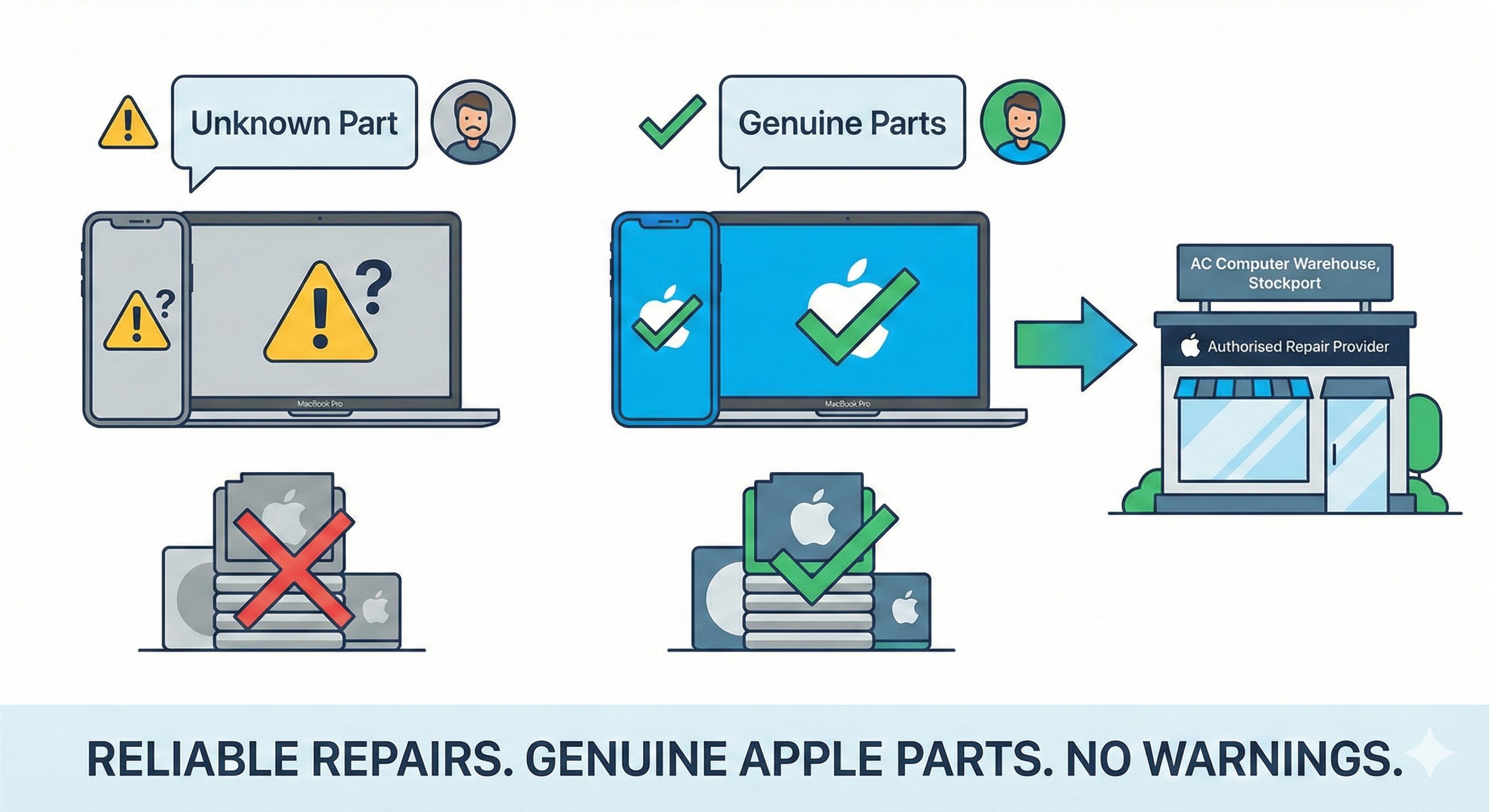
If you own a recent MacBook or iPhone, you have probably seen the messages in iOS and macOS warning about “unknown” or “non-genuine” parts after a repair. Apple has made it easier than ever to check whether a device has been repaired with genuine components, especially on newer iPhone models.
To give our customers more confidence and better long-term reliability, AC Computer Warehouse in Stockport now offers repairs using genuine MacBook and iPhone parts for newer models, sourced through authorised channels. That means you can keep your Apple kit running properly, without having to travel to an Apple Store.
Why genuine MacBook and iPhone parts matter
Apple’s own documentation makes it clear that genuine parts are designed and engineered for each specific device and go through extensive testing for quality, safety and reliability.
In practical terms, using genuine MacBook and iPhone parts helps with:
-
Maintaining original display quality, colour accuracy and brightness
-
Ensuring batteries report health correctly and charge as expected
-
Avoiding “Unknown Part” warnings and related feature limitations on newer iPhones
- Repairing Face ID issues
For owners of newer devices, that peace of mind makes a big difference—especially if you plan to keep the device for several years or sell it on later.
Newer models we can help with
Because we now have access to genuine MacBook and iPhone parts for newer models, we can support a wide range of recent devices, including (but not limited to):
-
MacBook Air and MacBook Pro with Apple silicon (M1, M2 and M3 generations)
-
Newer Intel-era MacBook Air and Pro models still in active use
-
iPhone 12, 13, 14 and 15 families, as well as current SE models
If you are not sure whether your particular model is covered, you can contact us with the model number or serial number and we will confirm what genuine parts are available.
Typical repairs using genuine Apple parts
We can now use genuine MacBook and iPhone parts on a range of common repairs, for example:
MacBook repairs
-
Replacement displays for cracked or damaged screens
-
Batteries that no longer hold charge properly
-
Keyboards, trackpads and top cases on heavily used laptops
-
Fans and thermal parts for overheating issues
-
Ports and I/O boards where charging or USB has failed
iPhone repairs
-
Screen replacements with correct brightness, colour and touch response
-
Genuine batteries with proper capacity reporting and safety features
-
Rear camera modules where focus or stabilisation has failed
-
Charging port and speaker assemblies
Using genuine components means the device behaves as close as possible to how it did when it left the factory.
How we source genuine Apple parts
Apple now allows access to genuine parts through programmes such as Self Service Repair and Genuine Parts Distributors. These channels provide the same genuine Apple parts and tools that are supplied to authorised repair providers, designed and tested to meet Apple’s standards for quality and safety.
By sourcing genuine MacBook and iPhone parts through these authorised routes, we can:
-
Avoid the risks associated with grey-market or counterfeit components
-
Ensure the correct parts are ordered for your exact model and configuration
-
Support newer Apple calibration processes so that parts are recognised correctly by the device where applicable
Genuine parts vs cheaper third-party parts
There is still a place for good-quality third-party parts on older devices, particularly where cost is the main concern and Apple’s pairing or parts-history checks are less strict. However, on newer iPhones and MacBooks, non-genuine parts can lead to:
-
Warnings in Settings about unknown or non-genuine components
-
Features that no longer work exactly as they should (for example True Tone or battery health reporting)
-
Inconsistent colour, brightness or touch response on replacement screens
For anyone who wants to keep a newer device “straight” from a resale or reliability point of view, genuine MacBook and iPhone parts are the better long-term choice.
How the repair process works with us
-
Initial assessment
You bring the device to us (or contact us first if you prefer). We diagnose the fault, confirm whether a genuine part is the right option and provide an estimate. -
Parts ordering
Once you’re happy to go ahead, we order the correct genuine part for your exact MacBook or iPhone model through authorised channels. -
Repair and testing
We fit the part in our workshop, run hardware tests and, where required, complete any software steps so the device recognises the new component correctly. -
Return with warranty
You get your device back with documentation of the work carried out and warranty on the part and labour.
If you’d like a quote or want to check availability for a specific model, you can use our contact form here:
https://accomputerwarehouse.com/contact-us/
Final thoughts
Apple has made it easier than ever for customers to see whether their devices have been repaired with genuine parts, and newer models increasingly expect the right components if you want every feature to work as designed. By offering genuine MacBook and iPhone parts for newer models, we’re giving our customers in and around Stockport a local option that balances quality, safety and convenience.
Whether you have a MacBook with a failing battery or an iPhone with a cracked screen, you no longer have to choose between a long trip to an Apple Store and a repair using unknown parts. Get in touch with AC Computer Warehouse and we’ll help you find the right repair route for your device.
Related Blogs

Laptop Board Repair in Stockport: Why You Shouldn’t Buy a New Laptop Just Yet
There is a common scenario we see all the time. A customer walks in with a high-end gaming laptop or…
Read this blog
Expert Laptop Repair Stockport: Fast, Local & Reliable
There is never a good time for your computer to break. Whether it’s a smashed screen right before a university…
Read this blog
RAM Prices 2026: Why They Are Rising & When to Buy
If you have been researching upgrades for your gaming rig or office laptops this January, you have likely noticed a…
Read this blog