
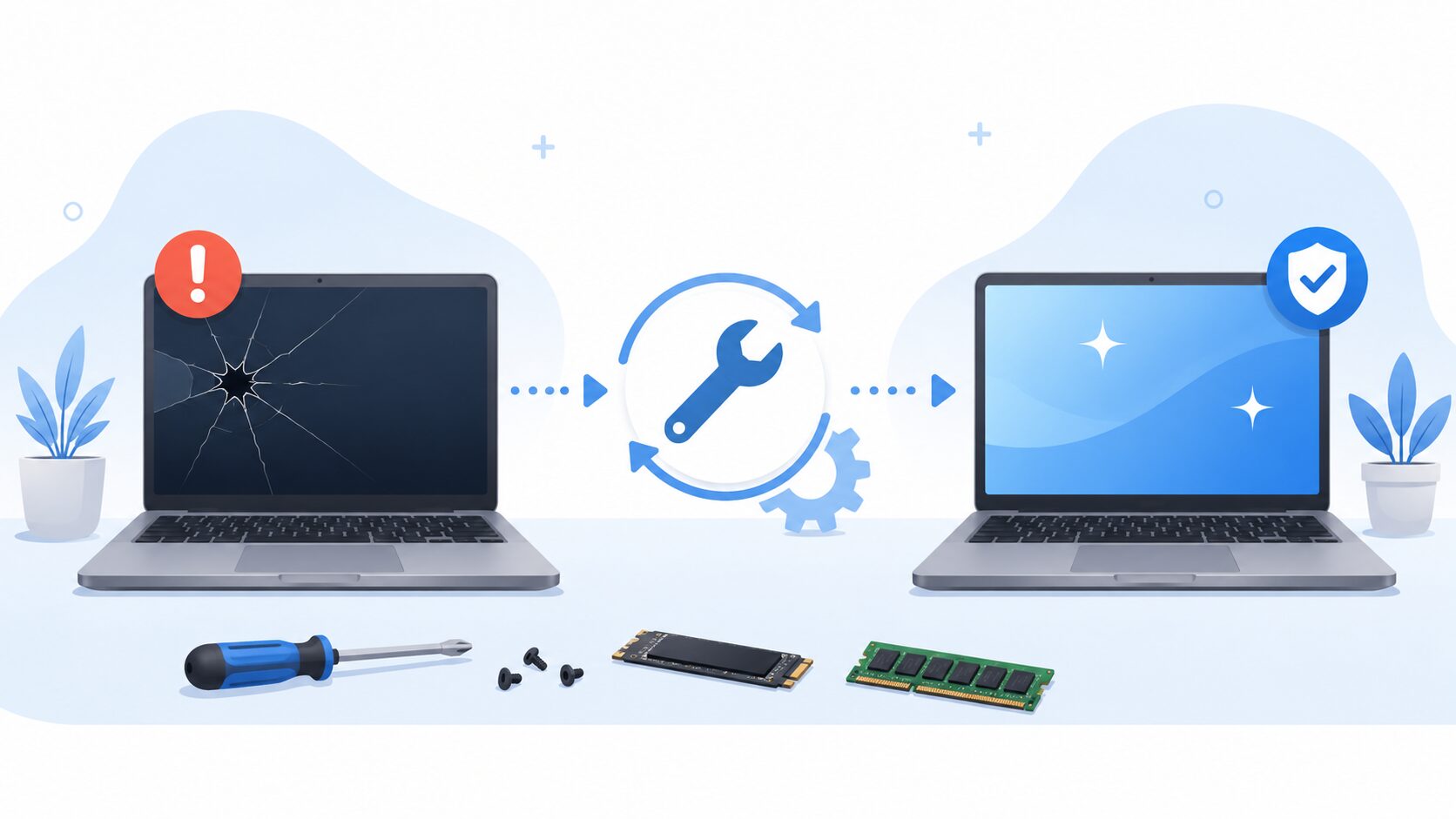
At AC Computer Warehouse in Stockport, we help customers from Stockport, Manchester and the surrounding areas work out whether their laptop is worth repairing, upgrading or replacing. If you are unsure what to do next, this guide will help you understand the most common faults and when a repair is usually the better option.
Why Laptop Repairs Are Often Worth Considering
Laptops are expensive to replace, especially if you have a decent business laptop, gaming laptop, MacBook or higher-spec Windows machine. Even if the laptop is a few years old, it may still be perfectly usable once the right fault has been diagnosed and repaired.
A laptop repair can often make sense when:
- The laptop still performs well apart from one fault
- The issue is caused by a replaceable part
- You have important data on the device
- The laptop is used for work, school or business
- A replacement would cost far more than the repair
- The machine only needs an upgrade, not a full replacement
Before buying a new laptop, it is always worth getting the fault checked properly. What looks like a major issue can sometimes be caused by a battery, screen, charging port, storage drive, RAM, fan or software problem.
Common Laptop Faults That Can Usually Be Repaired
1. Laptop Screen Damage
A cracked, flickering or completely blank laptop screen does not always mean the laptop is finished. In many cases, the screen panel can be replaced and the rest of the laptop can continue working as normal.
Common screen-related problems include:
- Cracked laptop screens
- Dim or flickering displays
- Lines across the screen
- No image on the display
- Damaged hinges or screen lids
- Backlight problems
If the laptop powers on but the image is damaged or missing, a screen repair may be all that is needed.
2. Laptop Not Turning On
A laptop that will not power on can be worrying, but there are several possible causes. It might be a charger issue, DC jack fault, battery problem, power button issue, motherboard fault or internal short.
Signs of a no-power fault include:
- No lights when the charger is connected
- The laptop turns on briefly then shuts off
- The charging light does not appear
- The fan spins for a second then stops
- The laptop only works at certain charger angles
This type of fault needs proper diagnosis. Guessing and replacing random parts can quickly waste money, especially if the real issue is on the motherboard or charging circuit.
3. Charging Port Problems
Charging port faults are very common, especially on laptops that are plugged in and unplugged daily. A loose, damaged or intermittent charging socket can make the laptop difficult or impossible to charge.
You may need a charging port repair if:
- The charger only works at a certain angle
- The charging socket feels loose
- The laptop keeps switching between charging and not charging
- The battery does not charge even with the correct charger
- The laptop works until the battery runs out
In many cases, replacing or repairing the charging port is much cheaper than replacing the laptop.
4. Slow Laptop Performance
A slow laptop is not always a sign that it needs replacing. Many older laptops can be made much faster with the right repair or upgrade.
Common causes of a slow laptop include:
- Failing hard drive
- Not enough RAM
- Too many startup programs
- Malware or unwanted software
- Windows corruption
- Overheating
- Old mechanical hard drive instead of an SSD
One of the best upgrades for many older laptops is replacing a traditional hard drive with a solid-state drive. An SSD upgrade can make a laptop boot faster, open programs quicker and feel much more responsive.
5. Laptop Overheating or Shutting Down
If your laptop gets very hot, runs loudly or shuts down during use, it may have an overheating issue. This can be caused by dust inside the cooling system, dried thermal paste, a faulty fan or poor airflow.
Common signs include:
- Loud fan noise
- Laptop gets hot underneath
- Random shutdowns
- Slow performance when under load
- Fan running constantly
- Laptop freezing during normal use
Overheating should not be ignored. Heat can damage internal components over time, so it is better to have the cooling system checked before the problem gets worse.
6. Keyboard, Touchpad or Hinge Faults
Everyday wear and tear can cause physical faults that are often repairable. These faults can make the laptop frustrating to use, but they do not always mean the device is beyond saving.
Repairable faults may include:
- Missing or faulty keyboard keys
- Keyboard not responding
- Touchpad not clicking or moving properly
- Broken hinges
- Cracked palm rest
- Loose screen assembly
- Damaged casing
If the laptop still works well internally, a physical repair can often extend its life.
When Is a Laptop Not Worth Repairing?
There are times when replacing a laptop may make more sense than repairing it. A good repair shop should be honest about this rather than pushing a repair that is not good value.
A laptop may not be worth repairing if:
- The repair cost is close to the price of a better replacement
- Multiple expensive parts have failed at once
- The laptop is very old and slow even when working
- Parts are unavailable or poor quality
- The motherboard fault is too severe
- The laptop no longer supports the software you need
That said, it is still worth getting a diagnosis before making the decision. Sometimes a machine that looks uneconomical to repair may only need a simple fix.
Repair or Replace? Questions to Ask First
Before replacing your laptop, ask yourself:
How old is the laptop?
If it is only a few years old, repair is often worth considering. If it is much older, an upgrade or replacement may be better depending on the fault.
Was it a good laptop when you bought it?
A good-quality laptop is often worth repairing more than a low-cost entry-level model.
Is your data backed up?
If your files, photos or business documents are stored on the laptop, do not rush into replacing or resetting it. Data recovery or drive access may be needed first.
Is the problem hardware or software?
A software issue can often be fixed without replacing parts. A hardware issue may still be repairable once properly diagnosed.
Would an upgrade solve the problem?
If the laptop is simply slow, an SSD or RAM upgrade may be better value than buying a new machine.
Why Choose a Local Laptop Repair Shop?
Using a local repair shop gives you the chance to speak directly to someone, explain the fault properly and get realistic advice. You are not just posting your laptop away and hoping for the best.
At AC Computer Warehouse, we repair laptops for customers across Stockport, Manchester and nearby areas. Our team can inspect the device, explain the likely fault and advise whether repair, upgrade or replacement makes the most sense.
Local laptop repair is especially useful for:
- Students who need their laptop back quickly
- Home users with important photos or documents
- Small businesses that rely on working devices
- Customers who want clear advice before spending money
- People who are unsure whether a laptop is worth fixing
Laptop Repairs We Can Help With
We can help with a wide range of laptop faults, including:
- Laptop screen replacement
- Laptop not turning on
- Charging port repair
- Battery replacement
- Keyboard replacement
- Touchpad faults
- Hinge repair
- SSD and hard drive replacement
- RAM upgrades
- Windows repairs
- Virus and malware removal
- Data recovery
- Fan replacement
- Overheating repairs
- Motherboard diagnostics
- Liquid damage assessment
Whether the issue is obvious or still unknown, the best first step is a proper diagnosis.
Get Your Laptop Checked Before You Replace It
If your laptop is faulty, slow, damaged or not turning on, do not assume it needs replacing straight away. Many laptop problems can be repaired, and in some cases a simple upgrade can make the machine feel much faster.
AC Computer Warehouse provides laptop repairs from our repair centre in Stockport, helping customers from Stockport, Manchester and the surrounding areas.
If you are unsure whether your laptop is worth repairing, bring it in for a diagnosis and we will give you honest advice on the best option.
Need laptop repair in Stockport or Manchester? Contact AC Computer Warehouse today or book your repair online.