
Author: Wesley Gordon
-
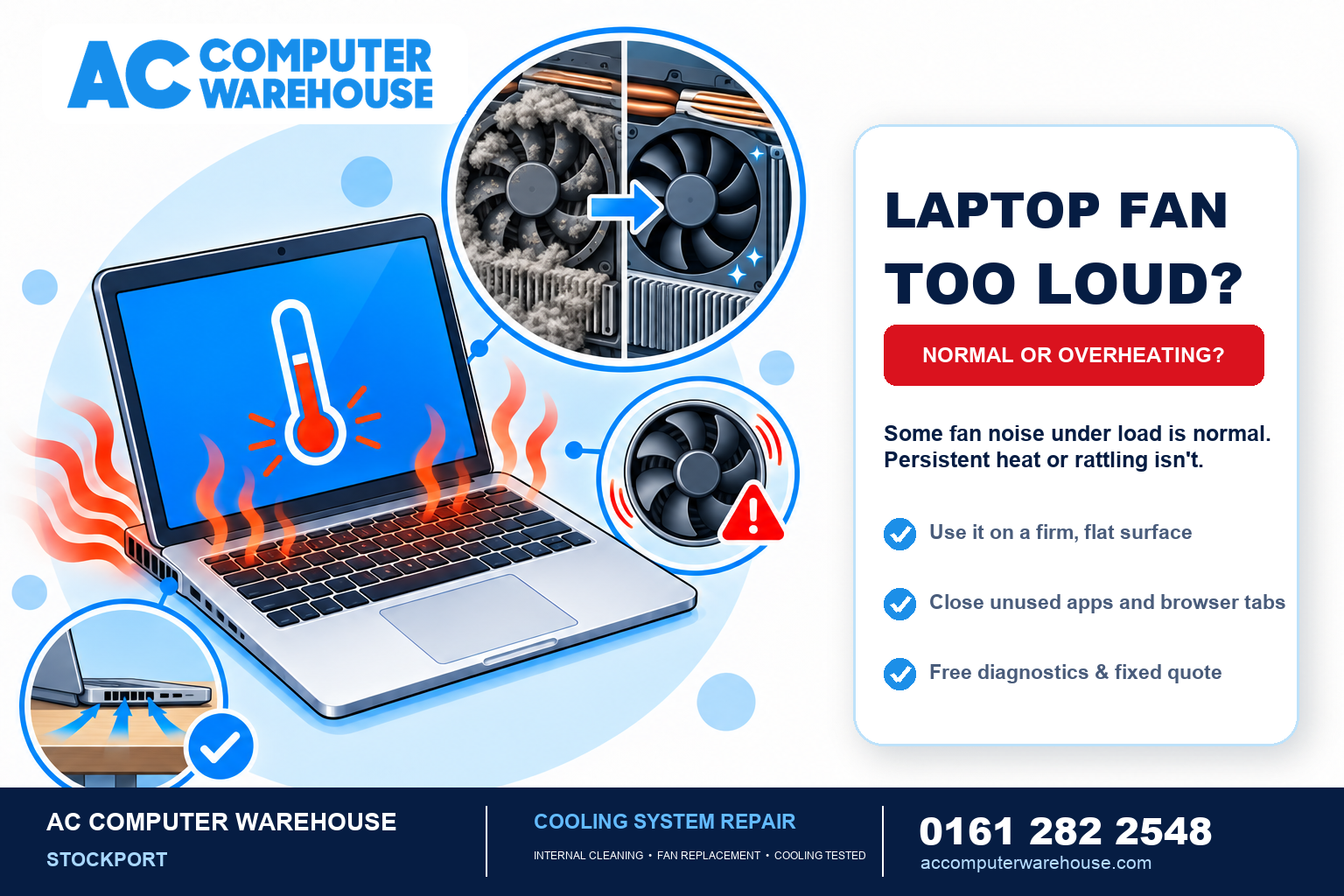
Laptop Fan Loud or Overheating? When to Get It Checked
Is your laptop fan loud whenever you switch it on? Perhaps the underside feels hotter than usual, or everything slows down after…
-
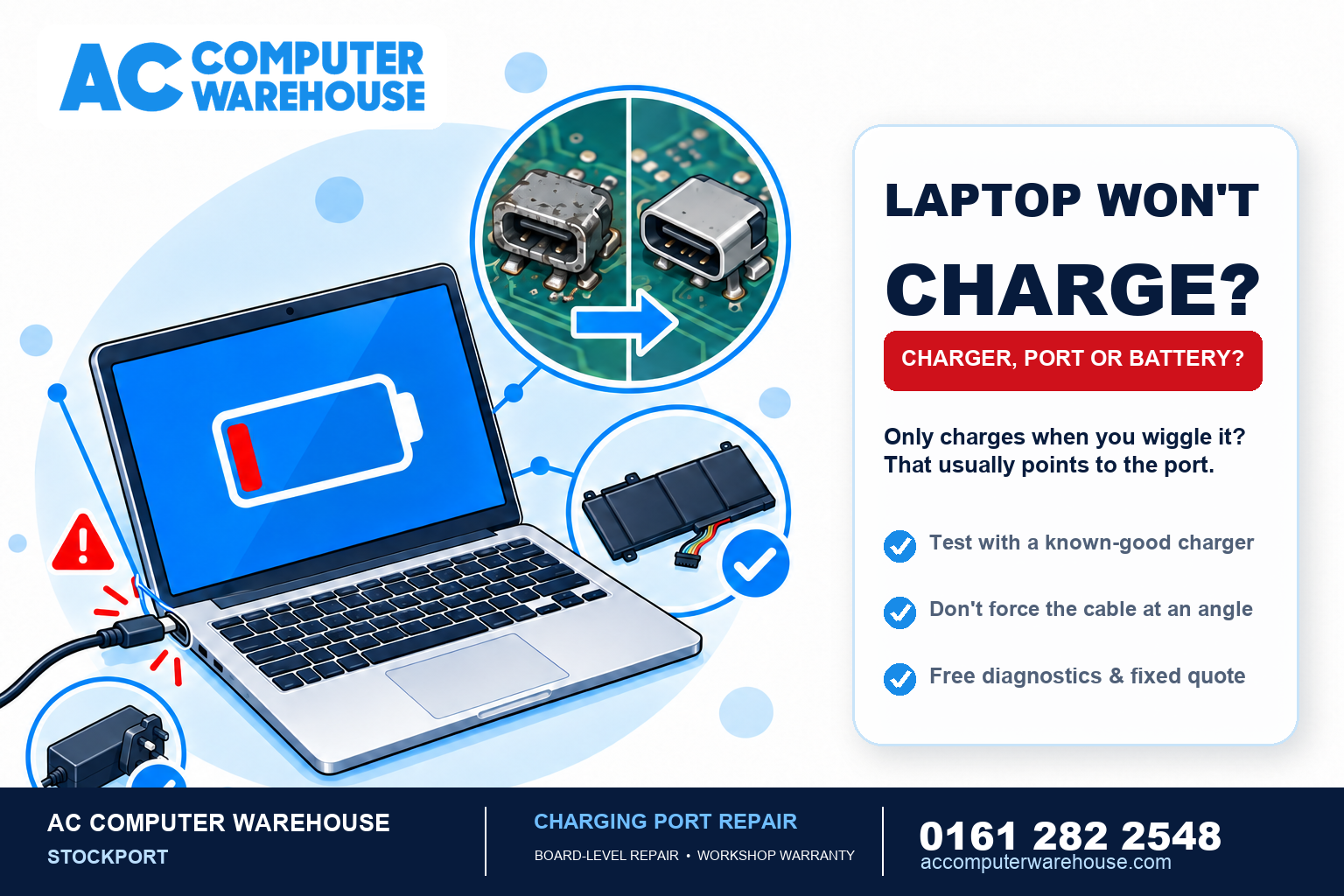
Laptop Won’t Charge? Common Causes and How to Fix It
A laptop that won’t charge is stressful, because you’re watching the battery drain with no way to top it up. The good…
-
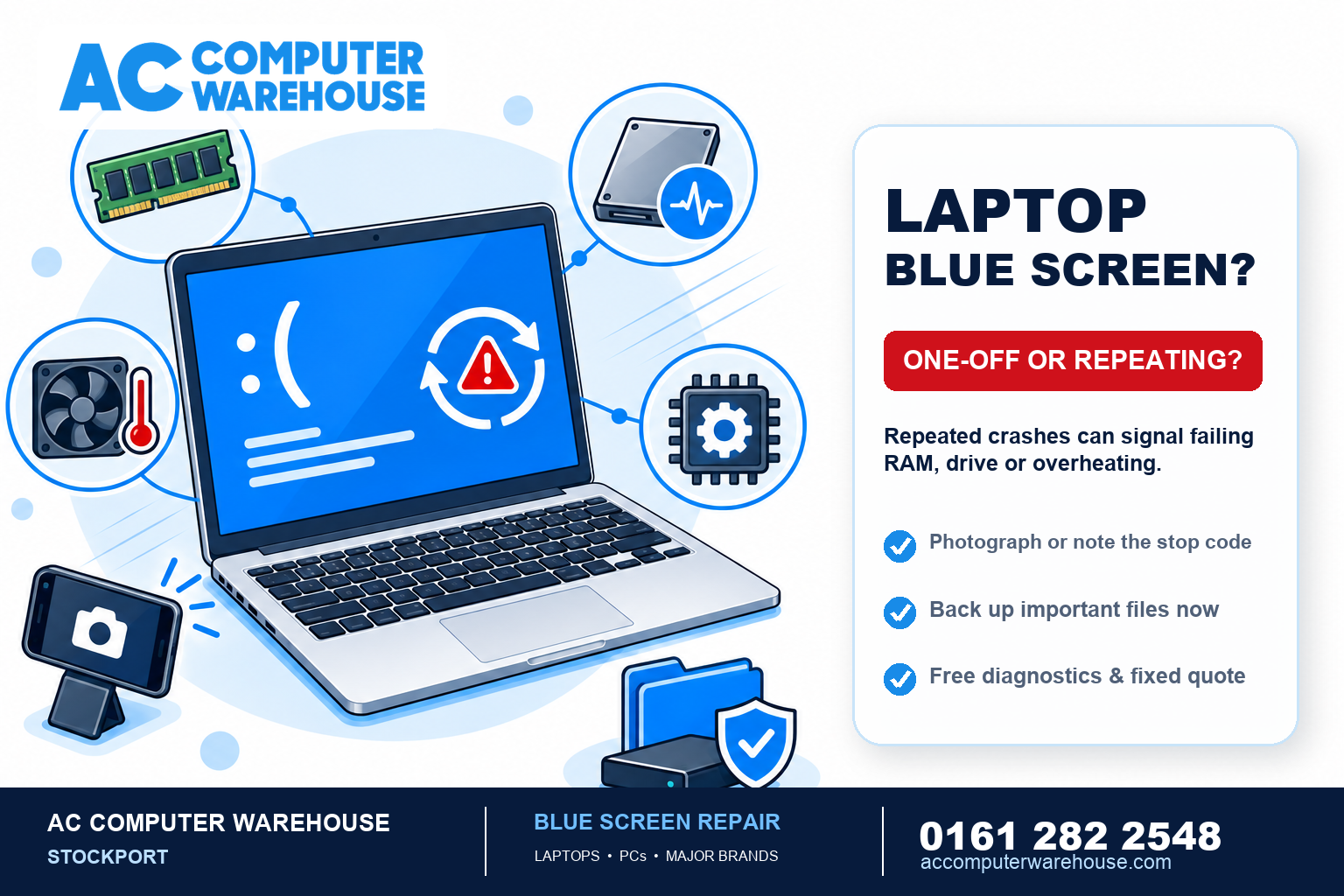
Blue Screen of Death? What It Means and When to Get It Fixed
Few things make your stomach drop like a laptop suddenly flashing a full-screen blue error and restarting itself. The Blue Screen of…
-
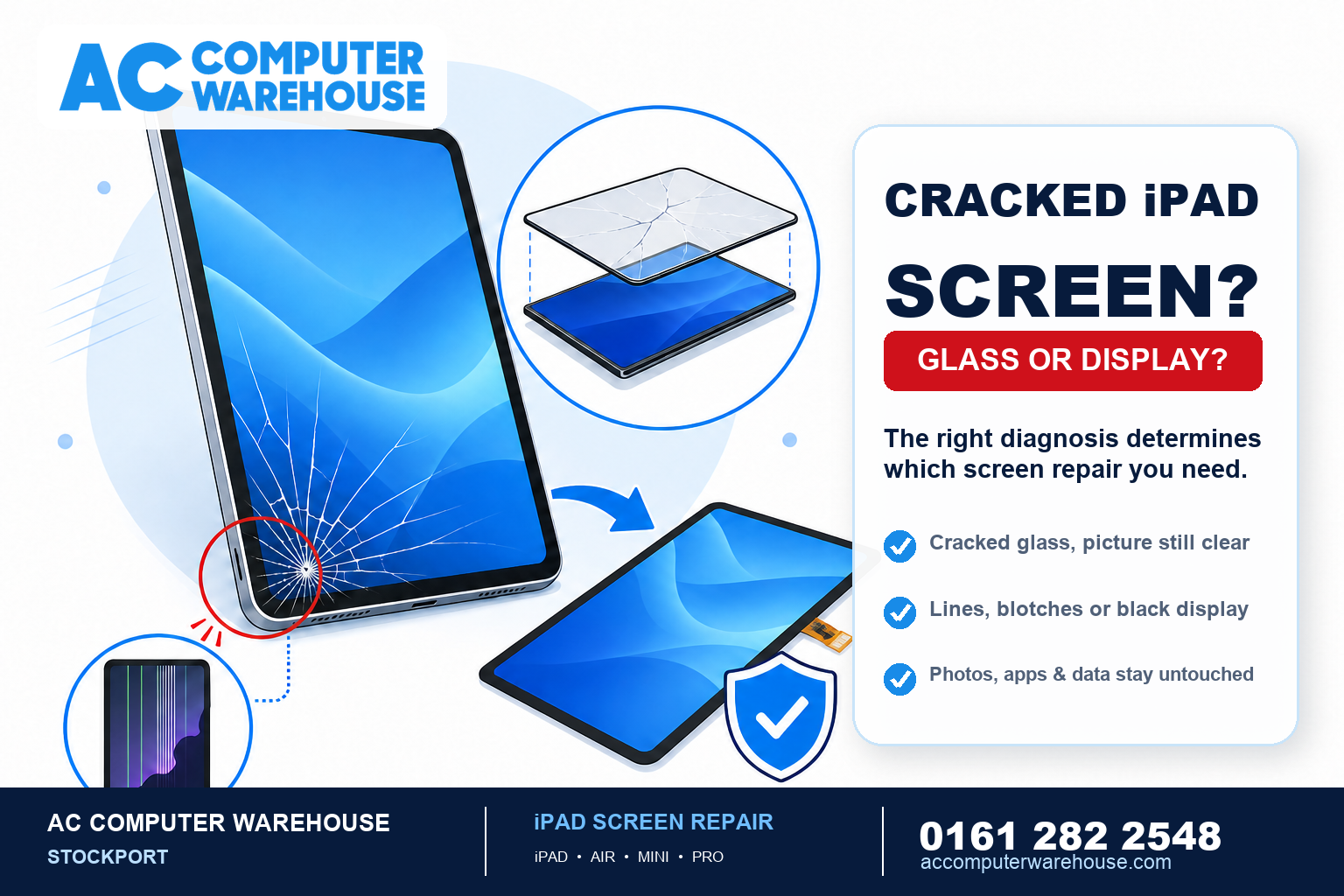
Cracked iPad Screen? iPad Screen Repair Cost & What Affects It
A cracked iPad screen looks alarming, but it’s one of the most common repairs we do — and because iPads hold their…
-
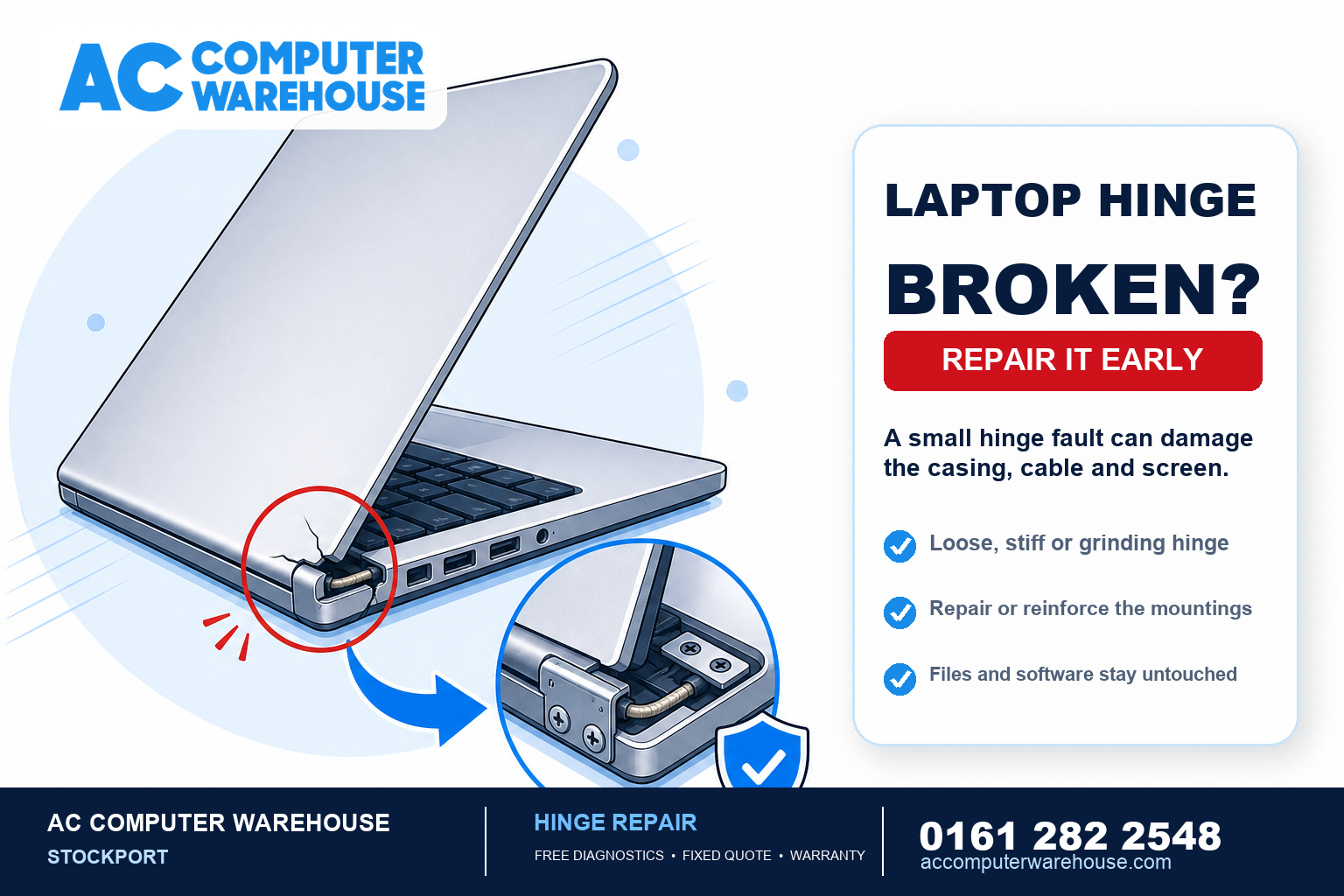
Broken or Loose Laptop Hinge? Why to Fix It Fast
A laptop hinge is one of those parts you never think about — until it starts to go. A screen that won’t…
-
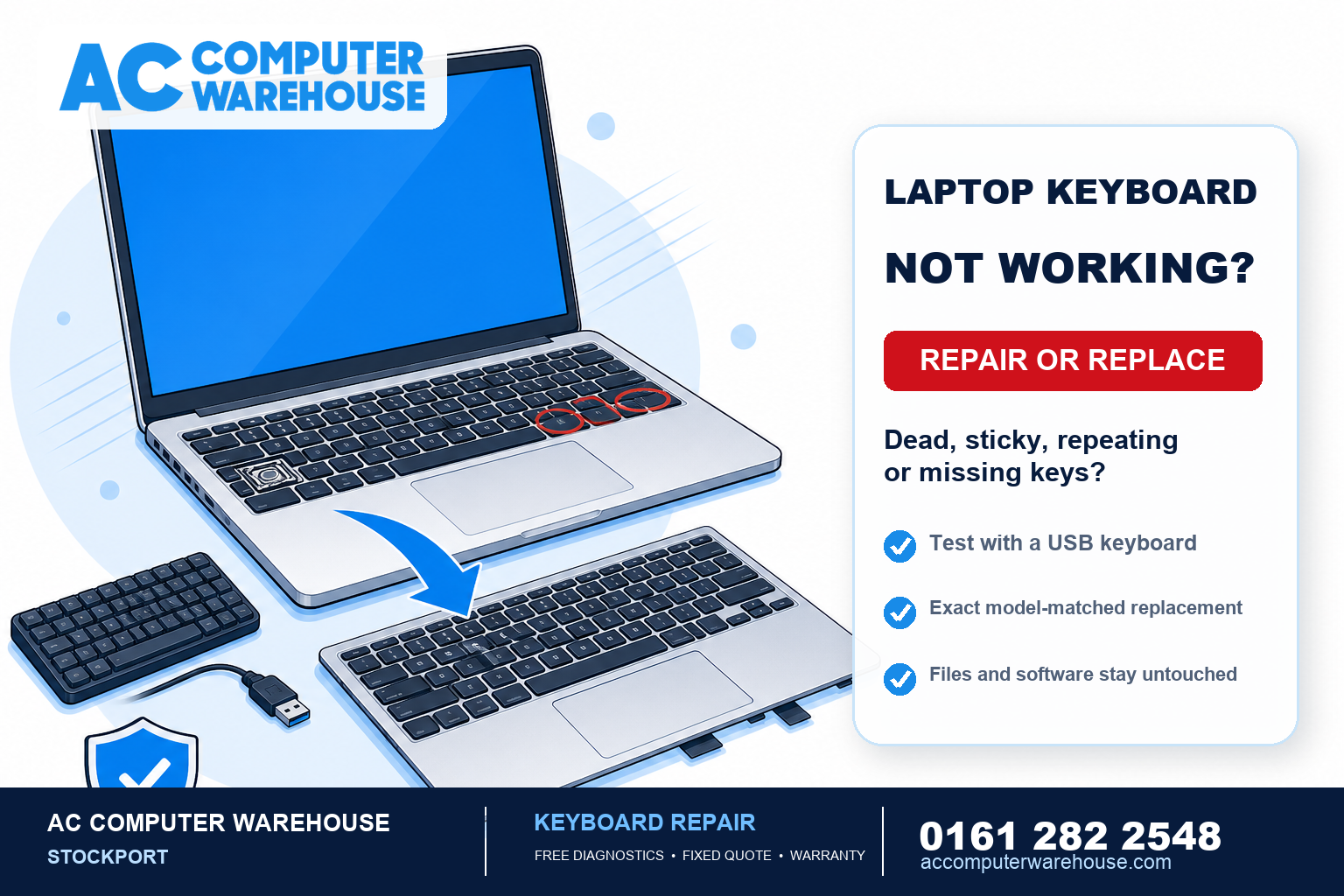
Laptop Keys Not Working? Keyboard Repair & Replacement Explained
A laptop keyboard that has stopped behaving — dead keys, letters that repeat, a space bar you have to hammer — is…
-

Choosing a Student Laptop in 2026: What Specs Actually Matter
Every August the same question lands in our shop: what laptop should I get for school, college or university? The honest answer…
-
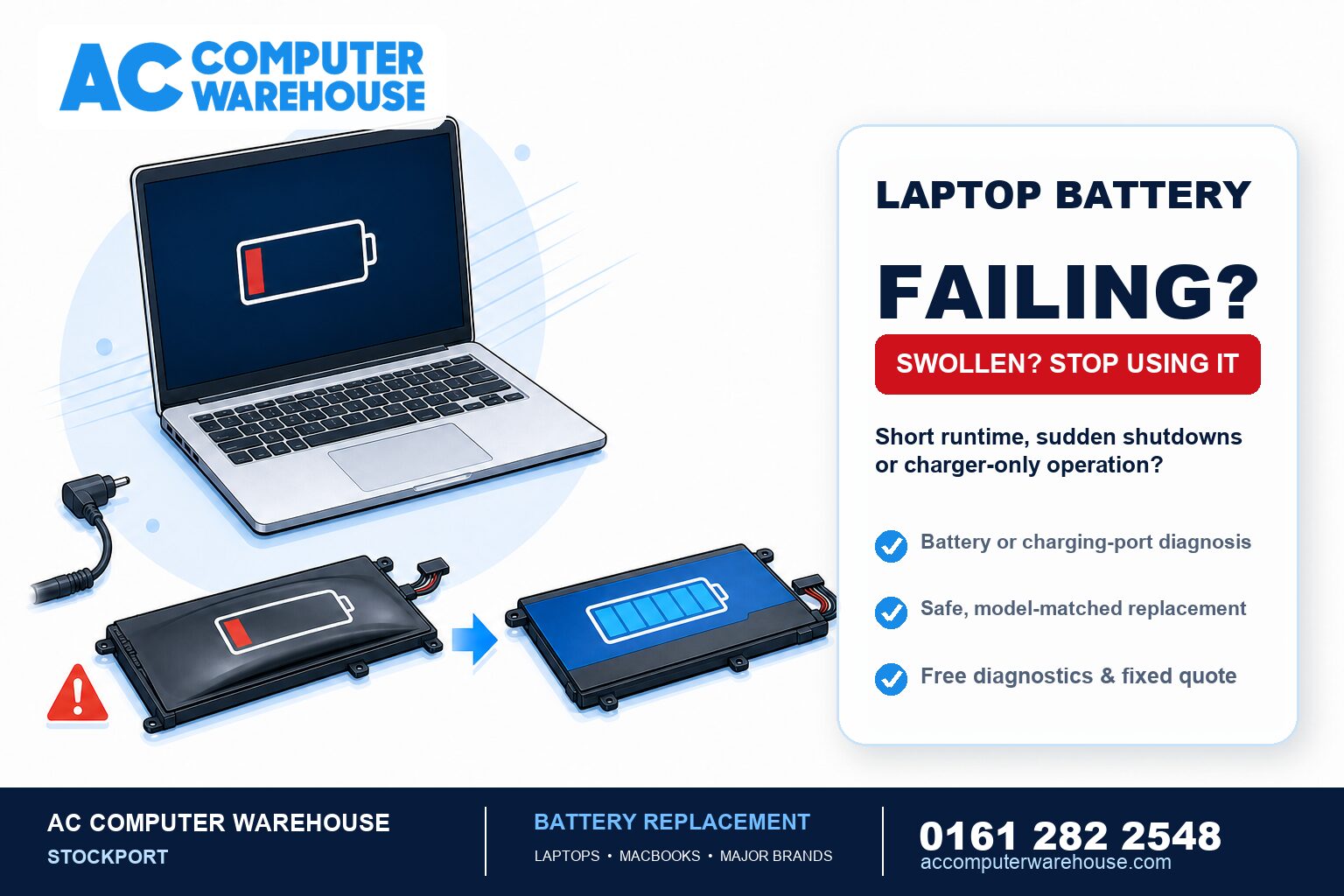
Laptop Battery Not Holding Charge? When to Replace It
Laptop batteries are consumable parts. Every one of them wears out — it is not a fault developing, it is simply the…
-
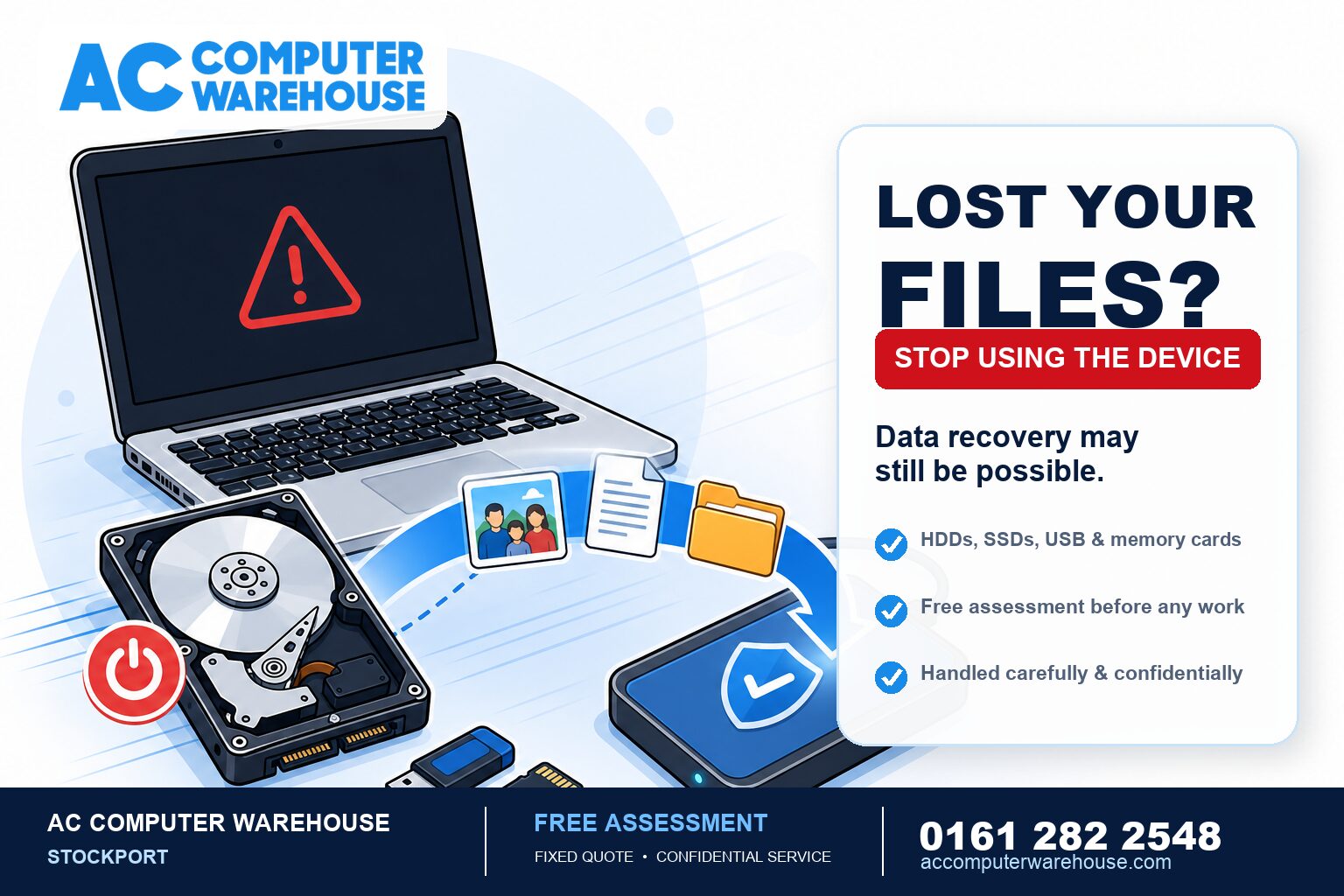
Data Recovery: How to Get Back Lost Files (and What Not to Do)
Losing important files — years of photos, work documents, a dissertation — is one of the most stressful things a computer can…
-

Laptop SSD Upgrade: The Cheapest Way to Make an Old Laptop Fast
If your laptop has slowed to a crawl — long boots, spinning cursors, apps that take an age to open — the…