
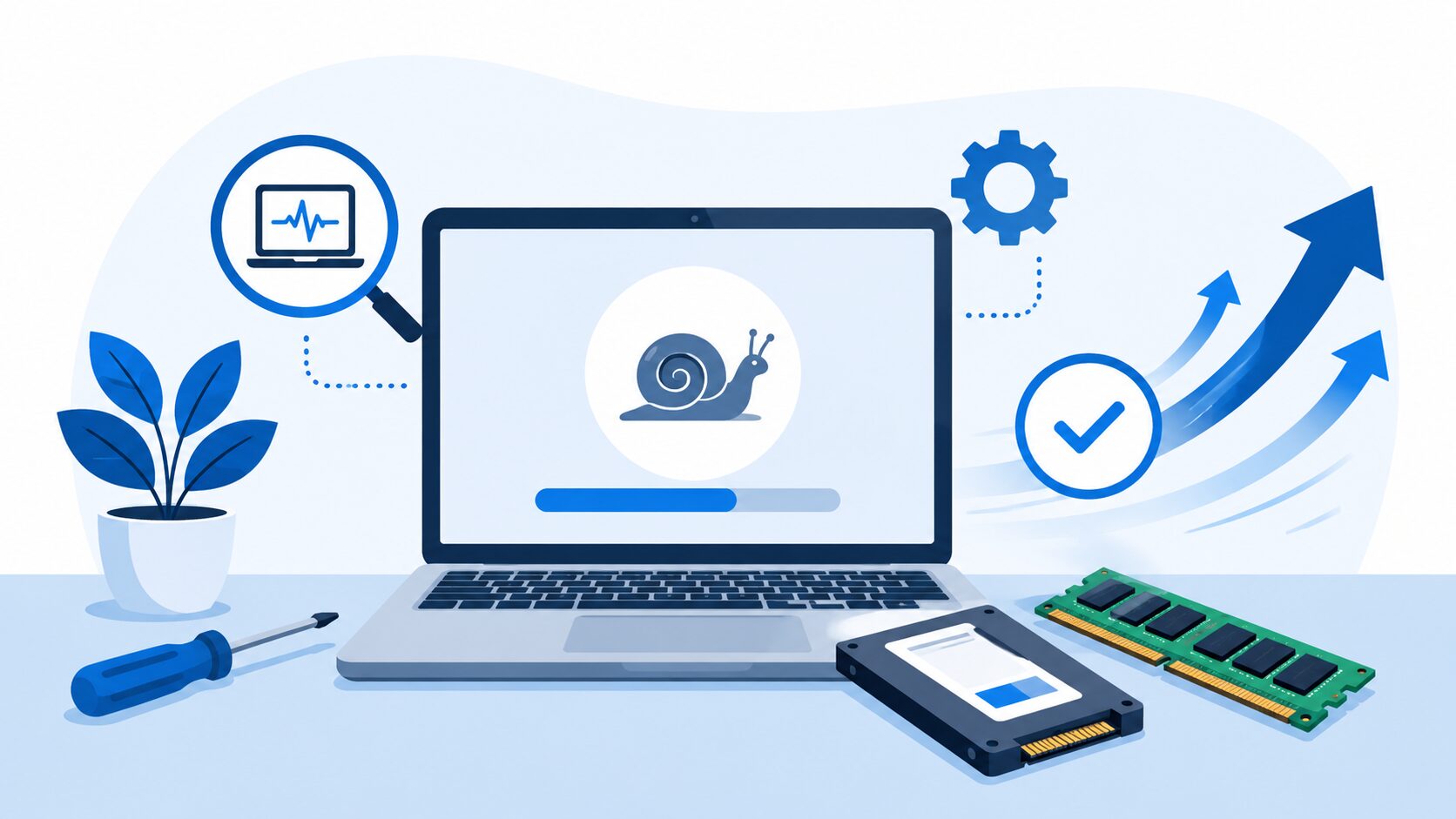
A slow laptop can be incredibly frustrating. Whether it takes ages to start up, freezes while opening programs, runs loudly, or struggles with basic tasks, it can make the whole laptop feel like it needs replacing.
The good news is that a slow laptop does not always mean you need a new one. In many cases, the problem can be diagnosed and repaired, or the laptop can be upgraded to make it much faster.
At AC Computer Warehouse in Stockport, we regularly help customers with slow laptops, Windows problems, failing hard drives, overheating issues and performance upgrades. If your laptop has become difficult to use, here are some of the most common causes.
1. Your Laptop May Still Have an Old Hard Drive
One of the biggest causes of a slow laptop is an old mechanical hard drive. Many older laptops were built with traditional hard drives rather than modern SSDs.
A hard drive has moving parts, which makes it much slower than a solid-state drive. Over time, it can become even slower, especially if it is starting to fail.
Common signs of a slow or failing hard drive include:
- The laptop takes a long time to turn on
- Programs open very slowly
- Windows freezes or stops responding
- Files take ages to load
- The laptop makes clicking or unusual noises
- The system feels slow even after a restart
Replacing a hard drive with an SSD is one of the best upgrades for many laptops. It can make an older laptop feel much faster without needing to replace the whole machine.
2. The Laptop Might Not Have Enough RAM
RAM helps your laptop run programs smoothly. If your laptop does not have enough RAM, it may struggle when you open multiple tabs, use Microsoft Office, run antivirus scans, edit photos, or switch between programs.
Signs of low RAM include:
- Freezing when too many tabs are open
- Slow performance when multitasking
- Programs becoming unresponsive
- High memory usage in Task Manager
- The laptop becoming sluggish after being used for a while
A RAM upgrade can sometimes make a big difference, especially when combined with an SSD upgrade.
3. Windows Could Be Corrupt or Overloaded
Sometimes the hardware is fine, but Windows itself is the problem. Over time, Windows can become overloaded with startup programs, failed updates, driver issues, background services or corrupted system files.
Common Windows-related slow laptop problems include:
- Long startup times
- Updates getting stuck
- Error messages
- Programs not opening properly
- Random freezing
- High disk usage
- Slow internet browsing even when the connection is fine
A proper Windows repair can often fix these issues without wiping your files. In some cases, a clean reinstall may be recommended, but this should only be done after checking your data and backup options.
4. Malware or Unwanted Programs Could Be Slowing It Down
Viruses, malware, browser hijackers and unwanted programs can make a laptop feel painfully slow. Some unwanted software runs in the background constantly, using memory, storage and processor power.
Signs of malware or unwanted software include:
- Pop-ups appearing
- Browser homepage changing
- Strange search results
- Programs opening by themselves
- Laptop running hot for no clear reason
- Antivirus warnings
- Unknown apps installed
If your laptop has suddenly become slow, especially after installing something or clicking a suspicious link, it is worth having it checked.
5. The Laptop Could Be Overheating
Overheating can make a laptop slow down because the processor reduces its speed to protect itself from heat damage. This is known as thermal throttling.
A laptop may overheat because of dust inside the cooling system, blocked vents, dried thermal paste or a faulty fan.
Signs of overheating include:
- Loud fan noise
- Laptop feels very hot underneath
- Random shutdowns
- Slow performance after a few minutes of use
- Freezing during video calls, gaming or updates
- Fan running constantly
Ignoring overheating can lead to bigger problems, so it is best to get it checked before it causes damage.
6. The Battery or Charger May Be Affecting Performance
Some laptops reduce performance when they detect a weak charger, faulty battery or power issue. You might notice the laptop runs better plugged in, or only performs properly with a certain charger.
Possible signs include:
- Slow performance when running on battery
- Battery draining quickly
- Laptop not charging properly
- Charger warning messages
- Performance changing when plugged in
- Laptop randomly shutting off
A battery or charger issue can sometimes look like a general performance fault, which is why proper diagnosis matters.
7. Too Many Startup Programs Are Running
Many laptops slow down because too many programs are set to open automatically when Windows starts. This can include printer software, update tools, cloud storage apps, messaging apps, antivirus tools and manufacturer utilities.
You may notice:
- The laptop takes ages to become usable after startup
- Icons appear slowly near the clock
- The system is slow for the first 10–15 minutes
- Programs run in the background even when you are not using them
Disabling unnecessary startup programs can help, but it is important not to disable essential security or driver software by mistake.
Is It Worth Repairing a Slow Laptop?
In many cases, yes. A slow laptop is often worth repairing if the machine is still in good condition and does what you need it to do.
Repair or upgrade may be worthwhile if:
- The screen and casing are in good condition
- The laptop is not extremely old
- It has a decent processor
- The fault is caused by storage, RAM, Windows or overheating
- A new laptop would cost much more than the repair
- You want to keep your files, programs and setup
If the laptop is very old, badly damaged or low-spec, replacement may be the better option. A proper diagnosis helps you make the right decision before spending money.
Slow Laptop Repairs in Stockport
At AC Computer Warehouse, we provide laptop diagnostics and repairs from our repair centre in Stockport. We can check whether your slow laptop is caused by a failing hard drive, lack of RAM, Windows problems, malware, overheating, battery issues or another hardware fault.
We can help with:
- Slow laptop diagnosis
- SSD upgrades
- RAM upgrades
- Hard drive replacement
- Windows repairs
- Malware removal
- Overheating repairs
- Fan cleaning and replacement
- Data backup and recovery
- General laptop repairs
If your laptop is running slowly, bring it in and we can advise whether it is worth repairing, upgrading or replacing.
Get Your Slow Laptop Checked Before Replacing It
Before you buy a new laptop, it is worth finding out what is actually causing the problem. Many slow laptops can be improved with the right repair or upgrade, often for much less than the cost of a replacement.
If you need help with a slow laptop in Stockport or Manchester, contact AC Computer Warehouse or bring your laptop to our repair centre for diagnosis.
Frequently asked questions
Why is my laptop suddenly running slow?
A laptop can suddenly become slow because of a failing hard drive, Windows update problems, malware, overheating, low storage space or background programs using too many resources.
Can a slow laptop be repaired?
Yes, many slow laptops can be repaired or upgraded. Common fixes include SSD upgrades, RAM upgrades, Windows repair, malware removal and overheating repairs.
Will an SSD make my laptop faster?
In many cases, yes. Replacing an old hard drive with an SSD can make a laptop start faster, open programs quicker and feel much more responsive.
Is it worth upgrading an old laptop?
It depends on the age and specification of the laptop. If the laptop has a decent processor and is otherwise in good condition, an SSD or RAM upgrade can often be worthwhile.
Do you repair slow laptops in Stockport?
Yes. AC Computer Warehouse provides slow laptop diagnostics, repairs and upgrades from our repair centre in Stockport.