
Modern laptops rely heavily on USB-C and Thunderbolt ports for charging, data transfer, display output and docking stations. When one of these ports fails, it can cause major issues, especially on business laptops where the port may be used every day.
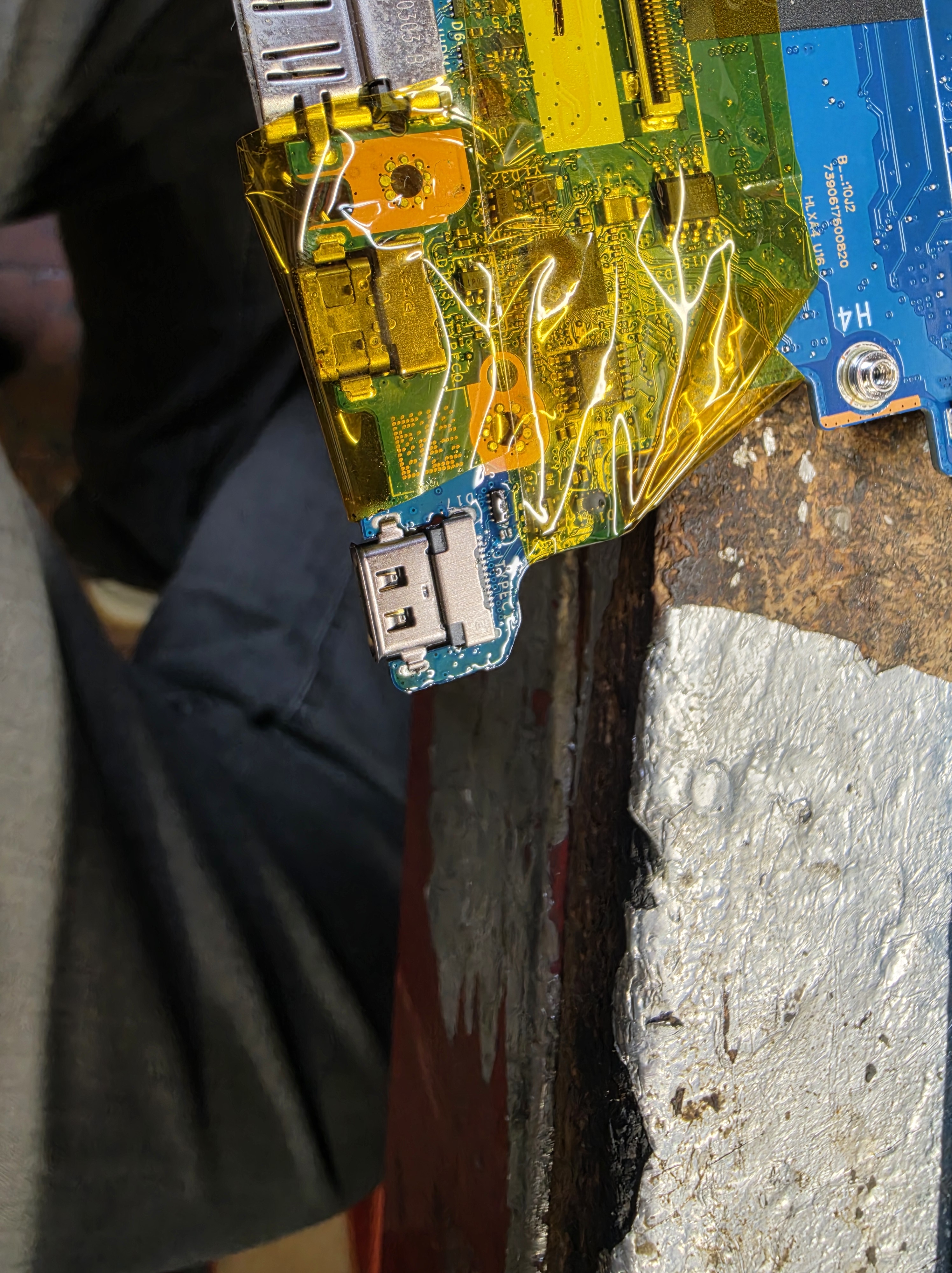
This Lenovo laptop came in with a faulty Thunderbolt 4 USB-C port. The port needed to be removed from the motherboard and replaced with a new one. This type of repair requires careful board-level work, as the port is soldered directly to the board with very small pins and anchor points.
At AC Computer Warehouse in Stockport, we carry out laptop port repairs, USB-C charging port repairs and board-level diagnostics for many laptop brands, including Lenovo, HP, Dell, Asus, Acer and Apple devices.
The Fault: Damaged Thunderbolt 4 Port
Thunderbolt 4 ports are used for much more than basic USB connections. Depending on the laptop, they may handle:
- Charging
- USB-C data transfer
- External monitors
- Docking stations
- High-speed storage devices
- Power delivery
- Display output
- Business desk setups
When the port becomes damaged, loose or unreliable, the laptop may stop charging, fail to detect devices, lose display output or only work when the cable is held at a certain angle.
In this case, the port needed replacing rather than cleaning or minor adjustment.
Protecting the Board Before Heat Work
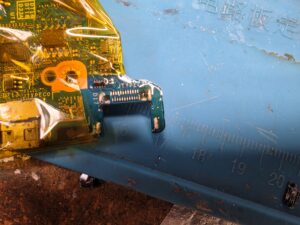
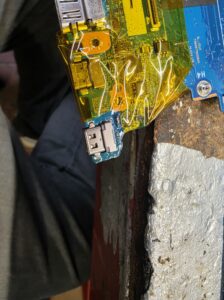
Before removing the faulty port, the surrounding area of the motherboard was protected using heat-resistant tape. This helps protect nearby components and plastic connectors from unnecessary heat exposure during the desoldering process.
USB-C and Thunderbolt ports have multiple solder points. Some are structural anchor points, and others are fine signal pins. Because these pins are small and close together, the repair needs to be carried out carefully to avoid damaging the board.
Preparation is important because rushing this stage can cause:
- Lifted pads
- Damaged tracks
- Melted connectors
- Nearby component damage
- Poor solder joints
- Short circuits
For this repair, the area was carefully prepared before the port was removed.
Desoldering the Old Thunderbolt 4 Port
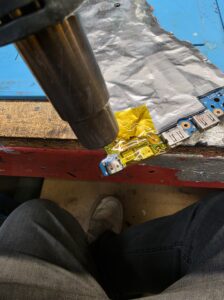
The faulty Thunderbolt 4 port was removed using controlled heat. A hot air rework station was used to heat the solder evenly until the port could be safely lifted from the board.
This part of the repair needs patience. Too little heat and the port will not release properly. Too much heat or too much force can damage the pads on the motherboard.
Once the solder was flowing correctly, the old port could be removed from the board.
Cleaning and Preparing the Solder Pads
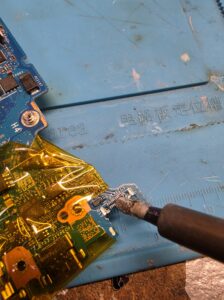
After the old port was removed, the pads on the motherboard needed to be cleaned and prepared before fitting the replacement port.
This involved going over the pads with fresh solder to make sure the new port would have a clean, reliable connection. This stage is important because old solder, uneven pads or contamination can stop the replacement port from sitting correctly or making proper contact.
Good pad preparation helps ensure:
- Stronger solder joints
- Better electrical contact
- Correct port alignment
- Reduced risk of intermittent faults
- A more reliable long-term repair
Soldering the Replacement Thunderbolt 4 Port
Once the pads were prepared, the replacement Thunderbolt 4 port was positioned and soldered onto the board.
With this type of repair, alignment is critical. The port must sit correctly so the USB-C cable connects smoothly and the pins line up properly with the motherboard pads.
The port also needs solid mechanical joints because USB-C and Thunderbolt ports take physical stress from repeated plugging and unplugging. If the anchor points are weak, the port may fail again later.
The replacement port was soldered into place, ensuring the pins and mounting points were properly connected.
Why Thunderbolt and USB-C Port Repairs Need Proper Equipment
Thunderbolt 4 and USB-C ports are small, detailed and tightly integrated into the motherboard. They are not like older barrel charging ports that may have larger, easier-to-access solder joints.
A proper repair requires the right tools and experience, including:
- Hot air rework equipment
- Microscope or magnification
- Fine soldering tools
- Flux
- Heat-resistant tape
- Correct replacement port
- Board cleaning tools
- Testing after repair
Attempting this type of repair without the correct equipment can easily damage the motherboard, especially if pads or tracks are lifted.
Common Signs of a Faulty Thunderbolt 4 or USB-C Port
A laptop may need a USB-C or Thunderbolt port repair if you notice:
- The laptop does not charge through USB-C
- The cable feels loose in the port
- The port only works at certain angles
- External monitors are not detected
- Docking stations stop working
- USB-C devices disconnect randomly
- The port looks physically damaged
- The laptop reports charger or power delivery errors
- The port feels wobbly or pushed in
If the port is damaged, continuing to use it can sometimes make the fault worse or damage the board further.
Lenovo Laptop Port Repairs in Stockport
At AC Computer Warehouse, we repair Lenovo laptops and other brands with charging port, USB-C and Thunderbolt port faults.
We can help with:
- Lenovo Thunderbolt 4 port replacement
- USB-C charging port repair
- Laptop not charging faults
- Docking station connection issues
- External display connection problems
- Damaged laptop ports
- Motherboard soldering repairs
- Board-level diagnostics
- Power delivery faults
- Business laptop repairs
Whether the laptop is used at home, in an office or with a docking station, a faulty port can be a major inconvenience. In many cases, replacing the port is much cheaper than replacing the full motherboard or laptop.
Repair Completed
This Lenovo laptop had a faulty Thunderbolt 4 port that needed replacing. The old port was carefully desoldered using hot air, the motherboard pads were cleaned and refreshed with solder, and the replacement port was soldered back onto the board.
This type of repair shows why board-level diagnostics and soldering skills are important. Instead of replacing the entire motherboard, the faulty port was replaced directly, helping restore the laptop’s connectivity.
If your Lenovo laptop has a faulty USB-C, Thunderbolt or charging port, contact AC Computer Warehouse in Stockport for diagnosis and repair advice.
Frequently asked questions
Can a Thunderbolt 4 port be replaced on a laptop?
Yes, in many cases a Thunderbolt 4 port can be replaced if it is soldered to the motherboard and the board itself is not too badly damaged.
Is a Thunderbolt 4 port the same as USB-C?
Thunderbolt 4 uses the USB-C connector shape, but it can support additional features such as high-speed data, display output, docking stations and power delivery depending on the laptop.
Can a faulty USB-C port stop a laptop charging?
Yes. If the laptop charges through USB-C and the port is damaged, loose or not making proper contact, it may stop charging or only charge intermittently.
Is it cheaper to replace the port than the motherboard?
Usually, yes. If the damage is limited to the port and the board pads are still repairable, replacing the port is normally much cheaper than replacing the entire motherboard.
Do you repair Lenovo laptop USB-C ports in Stockport?
Yes. AC Computer Warehouse repairs Lenovo laptop and other brands USB-C and Thunderbolt ports, including charging faults, damaged ports and board-level soldering repairs.