
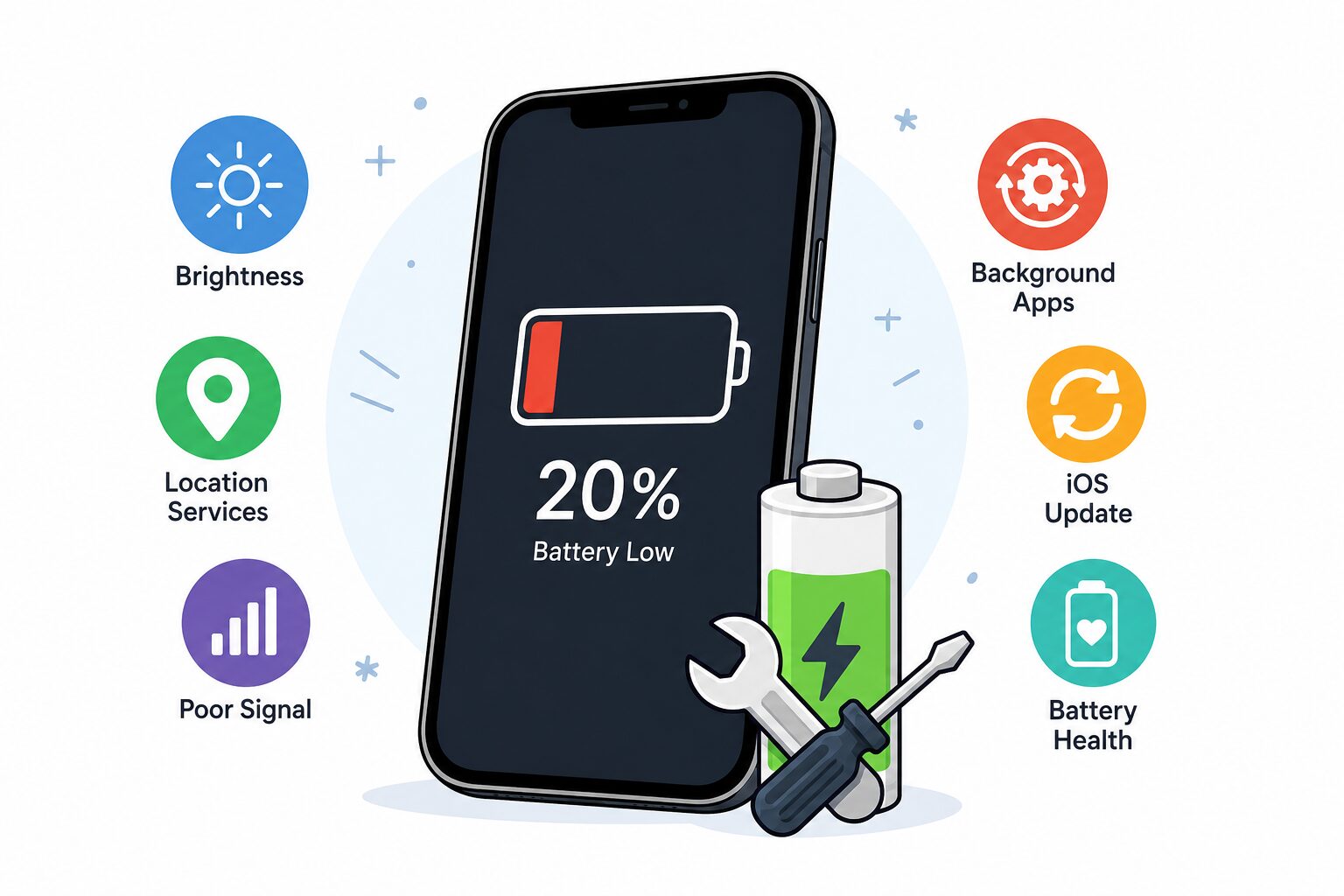
If your iPhone battery is draining fast — dropping 20% while you’re barely touching it, or dying by mid-afternoon when it used to last all day — it’s frustrating, but it’s usually fixable. Sometimes it’s a setting or a misbehaving app; sometimes the battery itself is simply worn out. Here’s how to tell the difference, what to try yourself, and when it’s worth a quick battery replacement.
The common causes
1. A worn-out battery (the big one). iPhone batteries are only designed for so many charge cycles. After a couple of years, they hold noticeably less charge — so a phone that used to last all day now doesn’t. This is the most common reason we see, and it’s the easiest to fix.
2. Background apps and refresh. Apps updating and fetching data in the background quietly drain the battery all day. Social media, email and navigation apps are the usual offenders.
3. Screen brightness and always-on display. A bright screen is one of the biggest power users. Auto-brightness and a shorter auto-lock make a real difference.
4. Location services. Apps constantly using GPS in the background chew through the battery fast.
5. A recent iOS update. After a big update, the iPhone re-indexes in the background for a day or two, which can cause a temporary drain. It usually settles.
6. Poor signal. In a weak-signal area, your iPhone works harder to stay connected — draining faster than usual.
Simple things to try first (free)
Before assuming the worst, try these:
- Check which apps are draining it: Settings → Battery → scroll down to see the biggest culprits. Delete or restrict any you don’t need.
- Turn on Auto-Brightness and set a shorter Auto-Lock (Settings → Display & Brightness).
- Limit Background App Refresh: Settings → General → Background App Refresh → turn off for apps that don’t need it.
- Review Location access: Settings → Privacy & Security → Location Services → set apps to “While Using” instead of “Always.”
- Restart the phone, and give it a day or two after any iOS update.
How to know it’s the battery itself
Here’s the key check: Settings → Battery → Battery Health & Charging → Maximum Capacity.
- Above ~85% — your battery’s in decent shape; the drain is likely settings or an app.
- Below 80%, or you see a message like “Your battery’s health is significantly degraded” — the battery is worn out. No amount of settings tweaking will bring it back; it needs replacing.
A tired battery also shows up as sudden shutdowns (dying at 20–30%), the phone feeling sluggish, or getting warm. If that’s you, a replacement is the fix — and it makes the phone feel new again.
iPhone battery replacement in Stockport
Replacing a worn iPhone battery is one of the quickest, most cost-effective repairs there is — and it saves you buying a whole new phone. At AC Computer Warehouse we fit quality replacement batteries, test everything before it goes back, and back the work with a warranty. Every repair starts with free diagnostics and a fixed quote before we do anything, with no-fix, no-fee on applicable repairs.
Pop into our Stockport workshop (free parking outside), or use our UK-wide mail-in service. See our for models and guide prices.
Battery gone flat too fast? or call — we’ll get you back to a full day’s charge.
Frequently asked questions
How do I know if my iPhone battery needs replacing?
Check Settings → Battery → Battery Health. If Maximum Capacity is below ~80%, or you get sudden shutdowns, the battery is worn and a replacement is the fix.
Why is my iPhone battery draining fast all of a sudden?
Often a recent iOS update settling down, a new app running in the background, or a battery that’s reached the end of its life. Check Settings → Battery to see what’s using the most power.
Is it worth replacing an iPhone battery?
Usually yes — it’s far cheaper than a new phone and makes an older iPhone feel new again. We’ll tell you honestly if it’s worth it for your model.
How long does a battery replacement take?
Often while you wait or same-day, depending on the model and parts. We’ll confirm when you book.