
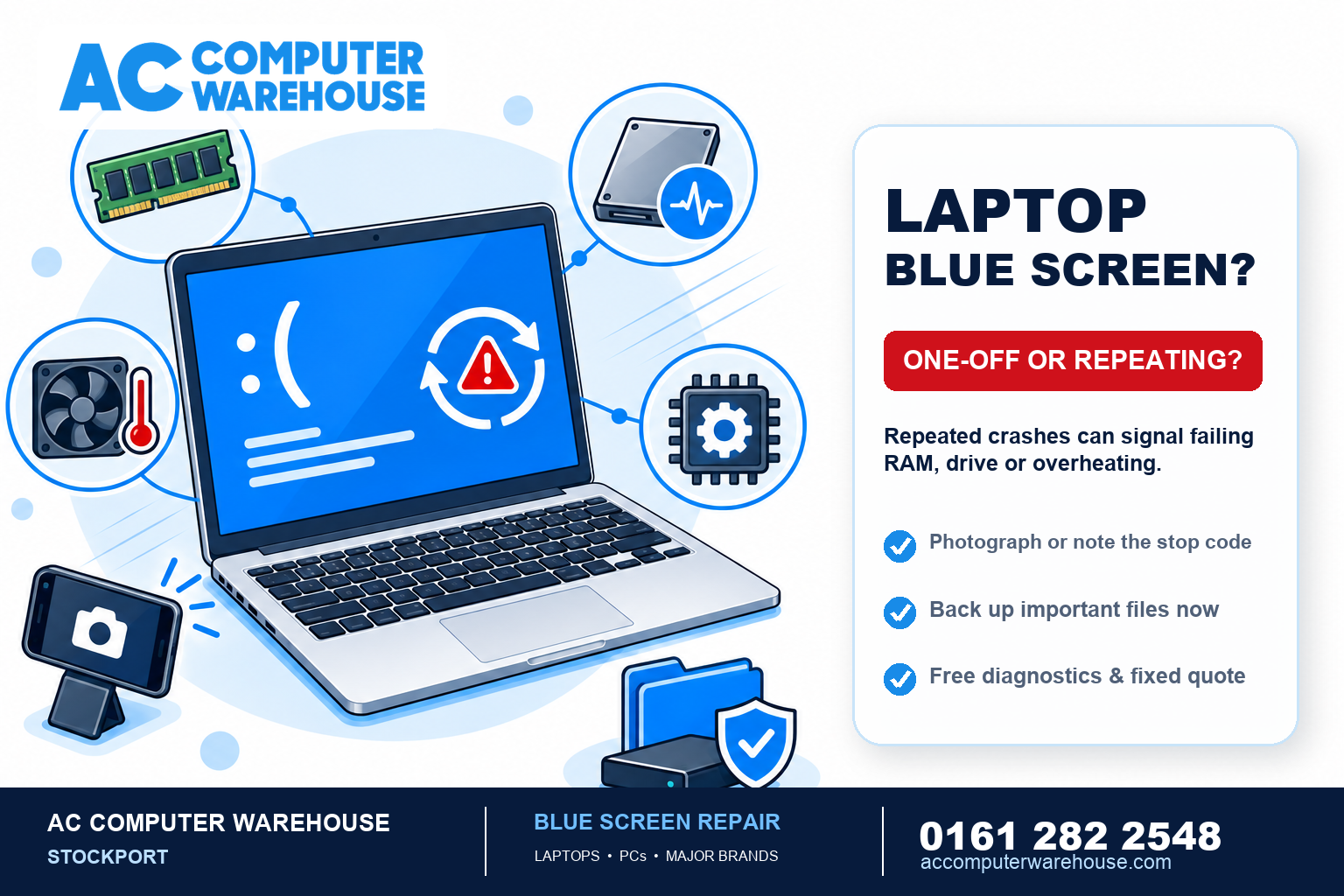
Few things make your stomach drop like a laptop suddenly flashing a full-screen blue error and restarting itself. The Blue Screen of Death (BSOD) looks catastrophic, but it isn’t always — sometimes it’s a one-off, and sometimes it’s an early warning that a part is failing. Knowing which you’re dealing with matters, because a repeating blue screen can mean your data is at risk. Here’s what it means and when to act.
What a blue screen actually is
A blue screen is Windows hitting a problem so serious it stops rather than risk damage or data corruption — a bit like a car’s engine warning light forcing a safe shutdown. The screen usually shows a sad-face, a short message, and a stop code (something like MEMORY_MANAGEMENT or CRITICAL_PROCESS_DIED). That stop code is the single most useful clue to what went wrong, so it’s worth noting down or photographing before the laptop restarts.
The common causes
- Driver problems — a faulty or out-of-date driver (graphics, storage, etc.), often after a Windows update or a new device.
- Failing memory (RAM) — bad RAM is one of the most common hardware causes of repeated blue screens.
- A failing hard drive or SSD — as a drive starts to fail it can trigger blue screens, and this is the one to take seriously because your files are at stake.
- Overheating — a clogged or failing cooling system can cause crashes under load.
- Corrupt Windows files — damage to Windows itself, sometimes after a bad update or improper shutdown.
- A recent change — new hardware, a new program, or an update that didn’t agree with the system.
What to do the moment it happens
- Note the stop code and any file name shown — it’s the best pointer to the cause.
- Let it restart and see if it recurs. A single blue screen that never comes back is often a harmless glitch.
- Think about what changed just before — a new program, a device you plugged in, a Windows update.
- If it keeps happening, back up your important files now, while you still can — especially photos and documents. If the cause is a failing drive, every restart is a risk.
One-off or a failing part? How to tell
This is the key question. A single blue screen, after which the laptop runs fine for days, is usually software — a driver or an update hiccup — and often nothing to worry about. Repeated blue screens, especially several a day or ones that stop the laptop booting at all, point towards hardware: failing RAM, a dying drive, or overheating. Blue screens that appear during heavy use (games, video) often mean overheating or graphics; ones that appear randomly at idle more often mean memory or drive.
If the laptop has started refusing to boot altogether, our guide on what to do when a laptop won’t turn on covers the next steps.
Why you shouldn’t ignore repeated blue screens
The reason to act on recurring BSODs isn’t just the annoyance — it’s that two of the common causes (a failing drive and failing RAM) get worse over time, and a failing drive can take your files with it when it finally goes. Catching it early often means a straightforward fix and no lost data. Left too long, it can turn into a data-recovery job instead of a simple repair. If the worst has already happened, we cover data recovery separately.
How we diagnose and fix it
Blue screens can be software or hardware, so guessing wastes money. We read the stop codes and crash logs, test the memory and the drive’s health, check temperatures, and confirm exactly what’s causing it before doing anything. From there it might be a driver or Windows repair, a RAM or drive replacement, or a cooling clean-out. Every repair starts with free diagnostics and a clear, fixed price, so you’re not paying to chase the wrong thing.
Blue screen repair in Stockport
We’ve been fixing crashing, blue-screening laptops and PCs in Stockport since 2007, for all the major brands. Every job starts with free diagnostics and a fixed price, most repairs are done within one to three working days, and every one is covered by our workshop warranty. There’s free parking right outside.
Not local? Our mail-in service covers the whole UK. Book a repair, see our laptop repair page, or call 0161 282 2548 with your stop code and we’ll tell you what it’s likely to be.
Frequently asked questions
Is the Blue Screen of Death serious?
Not always. A one-off blue screen that never returns is often a harmless software glitch. Repeated blue screens are the ones to act on — they usually point to failing memory, a failing drive, or overheating, which get worse over time.
What causes a laptop to blue screen?
The common causes are driver problems, failing RAM, a failing hard drive or SSD, overheating, corrupt Windows files, or a recent hardware or software change. The stop code shown on the blue screen is the best clue to which it is.
Should I back up my files if I keep getting blue screens?
Yes — immediately. One of the common causes is a failing drive, and every restart risks losing data. Back up your photos and documents now, then get the laptop looked at before the drive gets worse.
Can a blue screen be fixed, or do I need a new laptop?
It can almost always be fixed. Depending on the cause it might be a driver or Windows repair, a RAM or drive replacement, or a cooling clean — all far cheaper than a new laptop. We confirm the cause with free diagnostics first.
Why does my laptop blue screen and restart on its own?
Windows restarts automatically after a blue screen by default. If it’s happening repeatedly, that’s a sign of an underlying fault — commonly memory, drive or overheating — that needs diagnosing rather than just letting it keep restarting.