
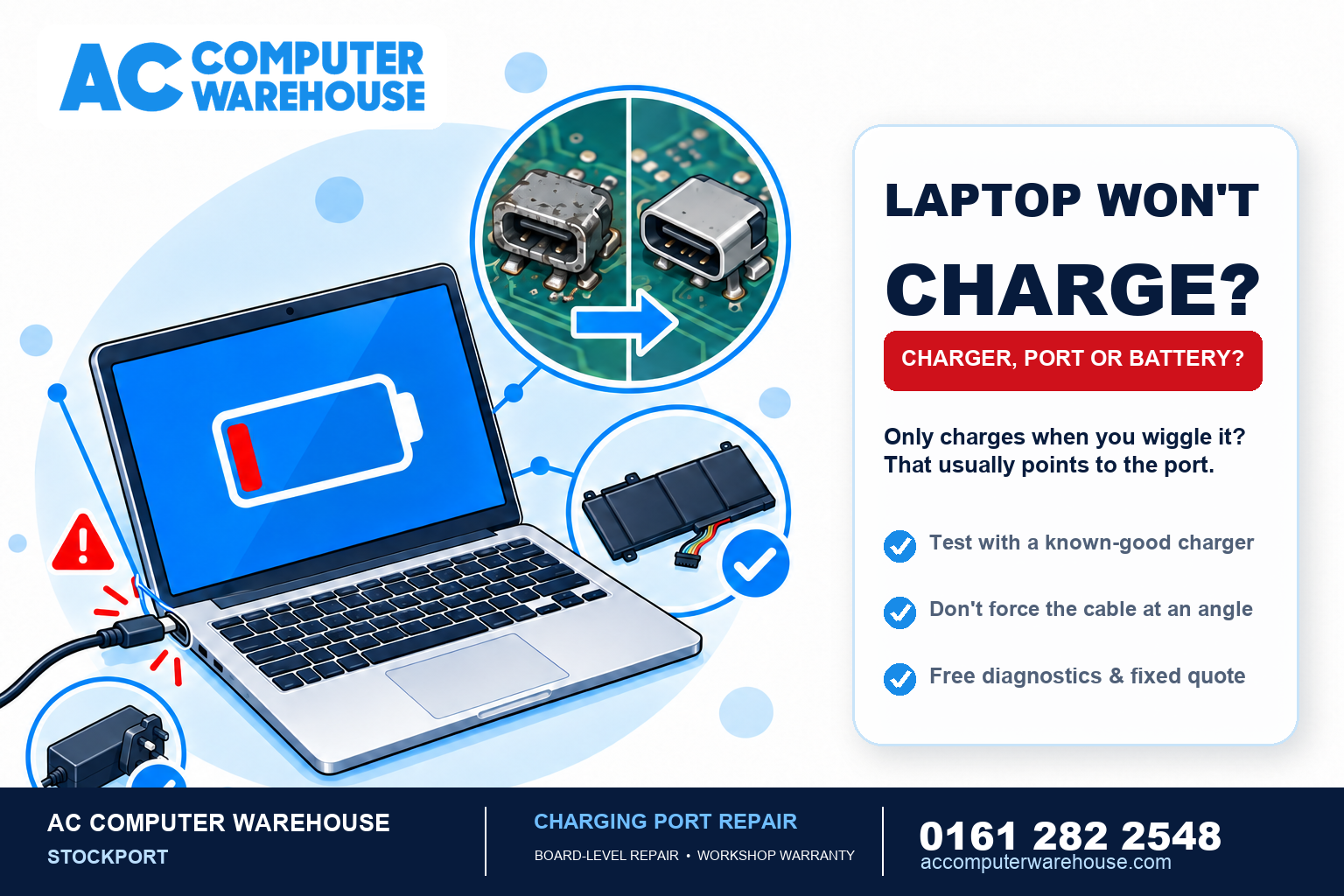
A laptop that won’t charge is stressful, because you’re watching the battery drain with no way to top it up. The good news is that “won’t charge” has a handful of common causes, and most are straightforward to fix once you know which one it is. Here’s how to work out whether it’s the charger, the charging port or the battery — and what each fix involves.
Start with the quick checks
Before assuming the worst, rule out the simple things — they catch a surprising number of cases:
- Try a different socket and make sure it’s switched on. Sounds obvious, but it’s a common culprit.
- Check the cable and charger for damage — fraying near the ends, a cracked plug, or a charger brick that’s very hot or making noise.
- Look for a light on the charger or laptop. No light at all usually points at the charger; a light that’s on but no charging points elsewhere.
- Check the port for dust or debris. Fluff packed into the charging socket can stop a good connection — with the laptop off, have a careful look.
Is it the charger, the port, or the battery?
These three get blamed for each other constantly, and they’re different repairs. Here’s how to tell them apart:
- It only charges when you hold the cable at a certain angle, or wiggle it — that points strongly at the charging port being worn or loose.
- No lights, no power, nothing — most often the charger/adapter has failed. Testing with a known-good charger of the same type confirms it.
- It runs fine on the charger but dies the instant you unplug it, or won’t hold charge — that’s the battery, not the charging. We cover that in our guide on laptop battery replacement.
- Completely dead — no response even plugged in — could be the charger, the port, or something on the board. See our guide on what to do when a laptop won’t turn on.
Why a worn charging port happens
The charging port takes a lot of wear — every plug and unplug, plus the strain of the cable being knocked or the laptop being moved while charging. Over time the port loosens, and eventually the connection becomes intermittent (the “wiggle it to charge” stage) or stops working entirely. On many laptops the port is soldered to the board, so a proper repair means re-soldering or replacing the port — board-level work, which is exactly the kind of repair we do in-house.
Don’t keep wiggling it
It’s tempting to jam the cable in at the angle that works, but that’s the worst thing for a failing port — it strains the solder joints further and can turn a simple port repair into a bigger board repair. If you’ve reached the “only charges at an angle” stage, it’s better to get it looked at than to keep forcing it.
When to get it repaired
If a known-good charger doesn’t help, or the port is loose or intermittent, it’s worth having it diagnosed rather than guessing and buying parts you may not need. A charger is cheap to rule out; a port or battery needs the right diagnosis. Every repair here starts with free diagnostics, so we confirm whether it’s the charger, the port or the battery before you spend anything — and give you a clear, fixed price.
Laptop charging repairs in Stockport
We’ve been repairing laptops in Stockport since 2007, for all the major brands — HP, Dell, Lenovo, Acer, ASUS and MSI, plus MacBooks — including board-level charging port repairs many shops send away. Every job starts with free diagnostics and a fixed price, most repairs are done within one to three working days, and every one is covered by our workshop warranty. There’s free parking right outside.
Not local? Our mail-in service covers the whole UK. Book a repair, see our laptop repair page, or call 0161 282 2548 and tell us what happens when you plug it in — we’ll tell you what it’s likely to be.
Frequently asked questions
Why won’t my laptop charge even though it’s plugged in?
The most common causes are a failed charger, a worn or loose charging port, or a battery that’s reached the end of its life. Start by trying a known-good charger and a different socket; if that doesn’t help, the port or battery needs diagnosing.
My laptop only charges when I hold the cable a certain way — what’s wrong?
That’s the classic sign of a worn or loose charging port. The connection has become intermittent. It’s best not to keep forcing the cable at an angle, as that strains the port further — get it repaired before it fails completely or damages the board.
Is it the charger or the laptop?
The quickest test is a known-good charger of the same type. If the laptop charges with a different charger, yours has failed — an easy fix. If it still won’t charge, the fault is in the laptop’s port or battery, which needs a proper diagnosis.
Can a laptop charging port be repaired?
Yes. On most laptops the port is soldered to the board, so we re-solder or replace it — board-level work we do in-house rather than sending away. It’s far cheaper than replacing the laptop, and your files are untouched.
Will I lose my files if the charging port is repaired?
No. A charging port repair is work on the port and board, completely separate from the drive that stores your data. Your files, programs and settings stay exactly as they were.