
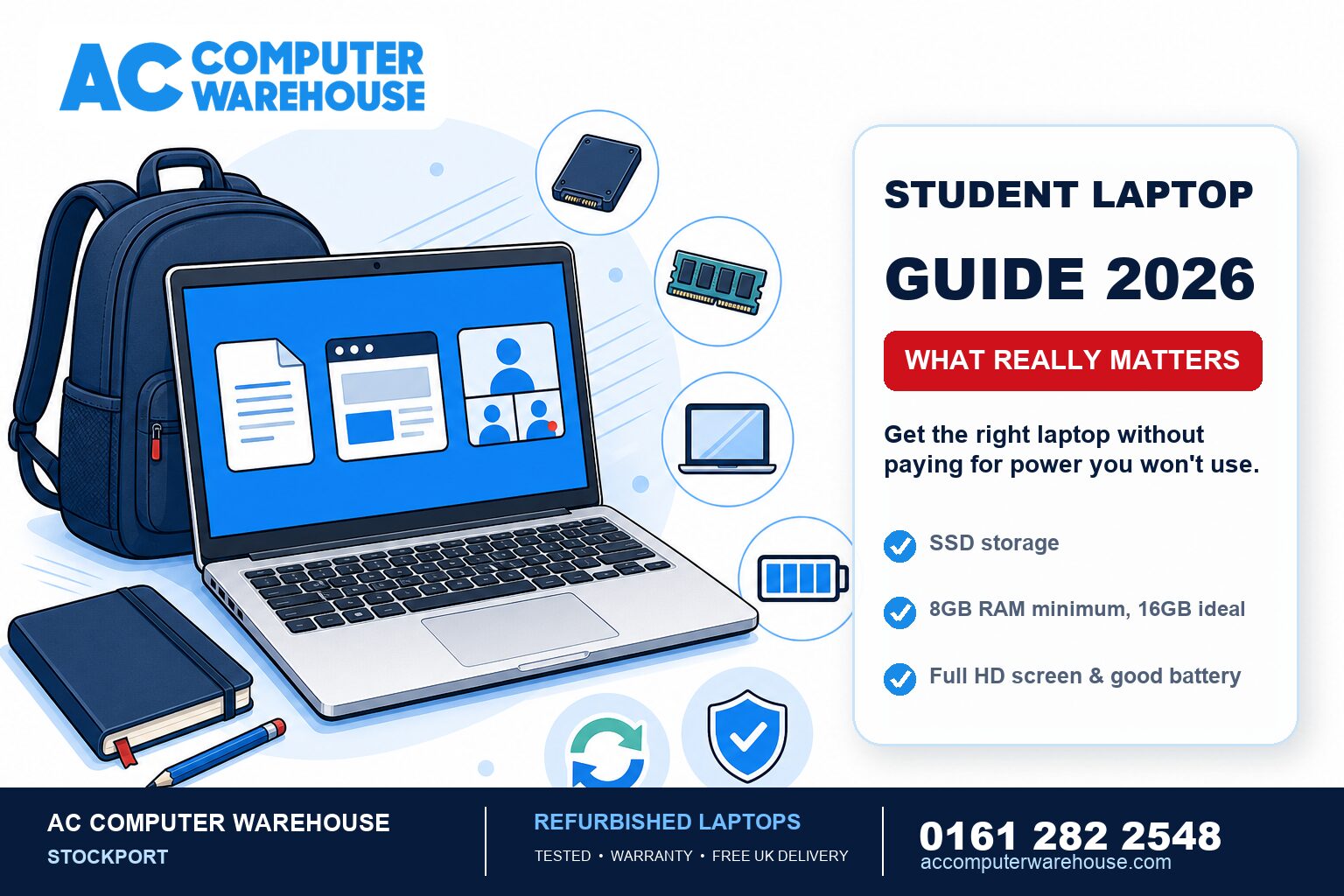
Every August the same question lands in our shop: what laptop should I get for school, college or university? The honest answer is that most students are pushed towards spending far more than they need. Once you know which specs actually matter — and which ones you’re paying for but won’t use — a great student laptop becomes a much cheaper thing to buy. Here’s how to choose one for 2026.
The specs that actually matter
For the vast majority of students — coursework, essays, research, browser tabs, video calls, streaming — you do not need a powerful or expensive machine. You need these four things:
- An SSD, not a hard drive. This is the single most important spec and the one most likely to be skimped on cheap new laptops. An SSD is what makes a laptop feel fast — quick to start, quick to open apps. A student laptop with an SSD will run rings around a pricier one still using an old-style hard drive.
- 8GB of RAM, ideally 16GB. 8GB is the comfortable minimum for having a dozen browser tabs, a document and a video call open at once. 16GB gives you headroom for the whole degree.
- A screen you’ll be happy staring at. A 13″ to 15″ Full HD (1080p) screen is the sweet spot — sharp text, easy on the eyes, and portable. Skip anything still shipping with a low-resolution 1366×768 panel.
- Battery and weight. If it’s going in a bag to campus every day, aim for something light with enough battery to last lectures without hunting for a plug.
The specs you can usually ignore
This is where the money gets wasted. Unless a student is specifically doing video editing, 3D work, engineering CAD or serious gaming, you can happily skip:
- The latest, top-end processor. A mid-range chip from the last few years handles student work with ease. You’re paying a big premium for headroom that essays and browsers never touch.
- A dedicated graphics card. Great for gaming and creative work, irrelevant for coursework — and it adds cost, weight and heat.
- Huge storage. With cloud storage (OneDrive, Google Drive) doing the heavy lifting, a 256GB or 512GB SSD is plenty for most students.
Why refurbished makes so much sense for students
This is where students and parents can save the most. A good refurbished laptop gives you a better-built, higher-spec machine — often a business-grade model designed to last — for the price of a flimsy budget new one. A few reasons it’s the smart-money choice:
- More laptop for the money. Ex-business laptops (Dell, HP, Lenovo) are built to survive years of daily use, and they reach the second-hand market at a fraction of their original price.
- Tested and warranty-backed. Ours are fully tested and come with a warranty — you’re not gambling on an unknown machine.
- Kinder to the planet. Reusing a good laptop rather than buying new keeps working technology out of landfill — a genuine plus, not just a nice-to-have.
If you’re weighing it up, our honest guide on whether a refurbished laptop is worth it and why buy refurbished both go deeper.
School, college or university — does it change things?
The core advice holds at every stage, with small tweaks:
- Secondary school: keep it simple and affordable — a reliable SSD laptop with 8GB RAM covers everything, and a cheaper machine takes the sting out of the inevitable knocks in a school bag.
- College: the same, but lean towards 16GB RAM and a comfortable screen if there’s more sustained coursework.
- University: prioritise build quality, battery and weight for daily campus carry. If the course is specialist — design, engineering, data — check the department’s requirements before buying, as that’s the one case where more power is genuinely justified.
Don’t forget the boring but important bits
- Back up from day one. Set up cloud sync before the first deadline, not after a laptop goes missing with a dissertation on it.
- Buy something repairable. Students drop, spill and stand on laptops. A machine that can be economically fixed — screen, battery, keyboard — beats a sealed unit that’s a write-off after one accident. If the worst happens, our laptop repair team can usually put it right for far less than a replacement.
A quick buying checklist
- SSD storage (non-negotiable)
- 8GB RAM minimum, 16GB ideal
- 13″–15″ Full HD screen
- Light enough for daily carry, decent battery
- A warranty behind it
- Repairable if something goes wrong
Student laptops from AC Computer Warehouse
We’ve been supplying and repairing computers in Stockport since 2007. Our refurbished laptops are fully tested, warranty-backed and ready to use out of the box, and we’re happy to point students and parents towards the right machine for the course and budget rather than the most expensive one.
Not local? We offer free UK delivery. Browse our refurbished laptops, or call 0161 282 2548 and tell us what the course needs — we’ll help you pick.
Frequently asked questions
What’s the most important spec in a student laptop?
An SSD. It’s what makes a laptop feel fast — quick to start up and open programs — and it matters far more day to day than a high-end processor. Any student laptop worth buying in 2026 has an SSD.
How much RAM does a student need?
8GB is the comfortable minimum for coursework, browser tabs and video calls at the same time. 16GB is ideal and gives you headroom to last the whole course without slowing down.
Is a refurbished laptop good enough for university?
Yes — for most courses a tested, warranty-backed refurbished business laptop is better built and higher spec than a similarly priced new budget model. The exception is specialist courses (design, engineering, data), where you should check the department’s requirements first.
How much storage does a student laptop need?
With cloud storage handling most files, a 256GB or 512GB SSD is plenty for the majority of students. It’s rarely worth paying extra for a huge drive.
Do I need an expensive processor or graphics card?
Almost never. A mid-range processor from the last few years handles essays, research and video calls easily, and a dedicated graphics card only matters for gaming or creative work — not everyday coursework.