
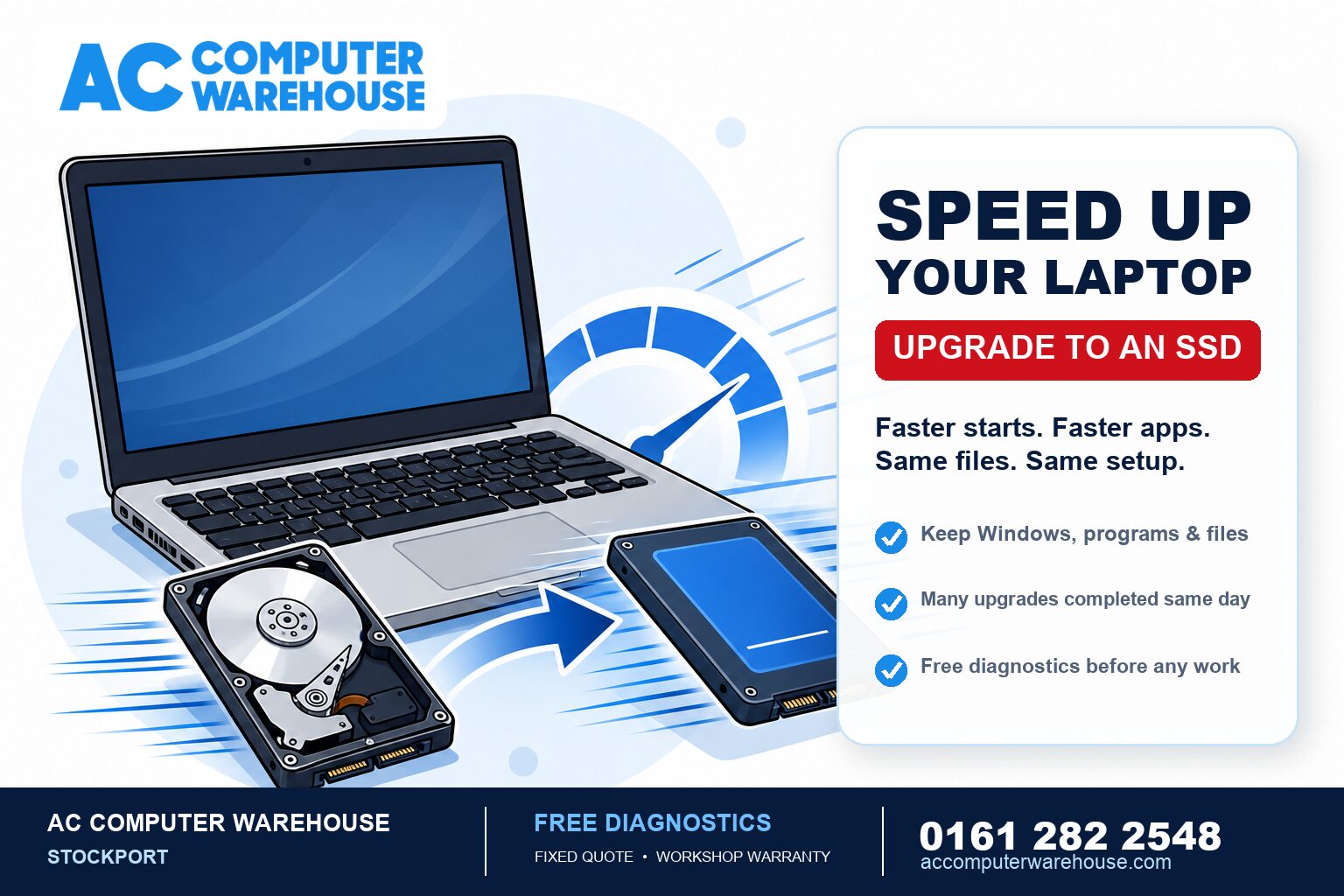
What an SSD is, in plain English
Your laptop stores everything — Windows, your programs, your files — on a drive. Older laptops use a mechanical hard drive (an HDD): a spinning disk with a moving arm, a bit like a tiny record player. It works, but it is slow, and it gets slower as it ages and fills up. An SSD (solid-state drive) does the same job with no moving parts — more like a large memory stick. It reads and writes data many times faster, which is why swapping one in transforms how a laptop feels.Why it makes such a big difference
Most of the waiting you do on an old laptop is the drive struggling to keep up — with Windows at startup, with programs loading, with the machine juggling several things at once. Replace the slow part and the waiting largely disappears. It is common to see a laptop that took two or three minutes to reach the desktop do it in under twenty seconds after an SSD upgrade. Crucially, it targets the actual bottleneck. Fresh antivirus, a tidy-up or a Windows reinstall all help a little, but if the drive is the limit — and on an ageing laptop it usually is — nothing else comes close. We explain how to tell what is slowing yours down in our guide to why your laptop is so slow.Will I lose my files, programs and Windows?
No. This is the part people worry about most, so it is worth being clear: we can clone your existing setup across to the new SSD, so your Windows, your programs, your files and your settings all come with you and the laptop boots up looking exactly as it did — just far quicker. You do not start from scratch and you do not reinstall everything. If your current drive is failing, or you would prefer a clean start, we can instead set up a fresh copy of Windows and move your files across. We will talk you through which makes more sense for your machine.Is my laptop worth upgrading?
For the large majority of laptops from roughly the last decade, yes — an SSD is the best-value upgrade you can make. A few honest exceptions:-
- Very low on memory as well? If the laptop also has only 4GB of RAM, pairing the SSD with a memory upgrade gives the best result. Often both can be done at once.
-
- Already has an SSD? Then the slowness is something else — a full drive, too many background programs, or a software problem — and an upgrade is not the answer. We will tell you rather than sell you a part you do not need.
-
- Other faults too? If the battery is dead, the screen is cracked or the machine is genuinely ancient, it is worth weighing up the whole picture first. Our guide on whether a refurbished laptop is worth it helps there.
How long does an SSD upgrade take?
Many SSD upgrades are completed the same day, cloning included. The main variable is how much data is on your current drive, since copying it across takes time. If yours is very full we may need it for longer, but we will give you a clear timescale up front.SSD upgrades in Stockport
We have been upgrading and repairing laptops in Stockport since 2007, for all the major brands — HP, Dell, Lenovo, Acer, ASUS and MSI, plus MacBooks. Every job starts with free diagnostics and a clear, fixed price, many upgrades are done the same day, and every one is covered by our workshop warranty. There is free parking right outside. Not local? Our mail-in service covers the whole UK. Book a repair, see our laptop repair page, or call 0161 282 2548 and we will tell you honestly whether an SSD upgrade will bring your laptop back to life.Frequently asked questions
How much faster will my laptop be after an SSD upgrade?
Dramatically, if a slow hard drive was the bottleneck. Boot times often drop from two or three minutes to under twenty seconds, and programs open almost instantly. It is the single biggest speed improvement most older laptops can get.
Will an SSD upgrade delete my files?
No. We clone your existing drive across to the SSD, so your Windows, programs, files and settings all come with you. The laptop boots up exactly as before, only much faster.
How long does an SSD upgrade take?
Many are done the same day, cloning included. The main factor is how much data is on your current drive, since it all has to be copied across. We give you a clear timescale before starting.
Is it worth putting an SSD in an old laptop?
For most laptops from the last decade, yes — it is the best-value upgrade available and far cheaper than a new machine. If the laptop has other faults or is very old, we will weigh up the whole picture with you first.
Can you add more memory at the same time?
Usually, yes. If your laptop is also short on RAM, pairing a memory upgrade with the SSD gives the best result, and both can often be done in the same visit.