
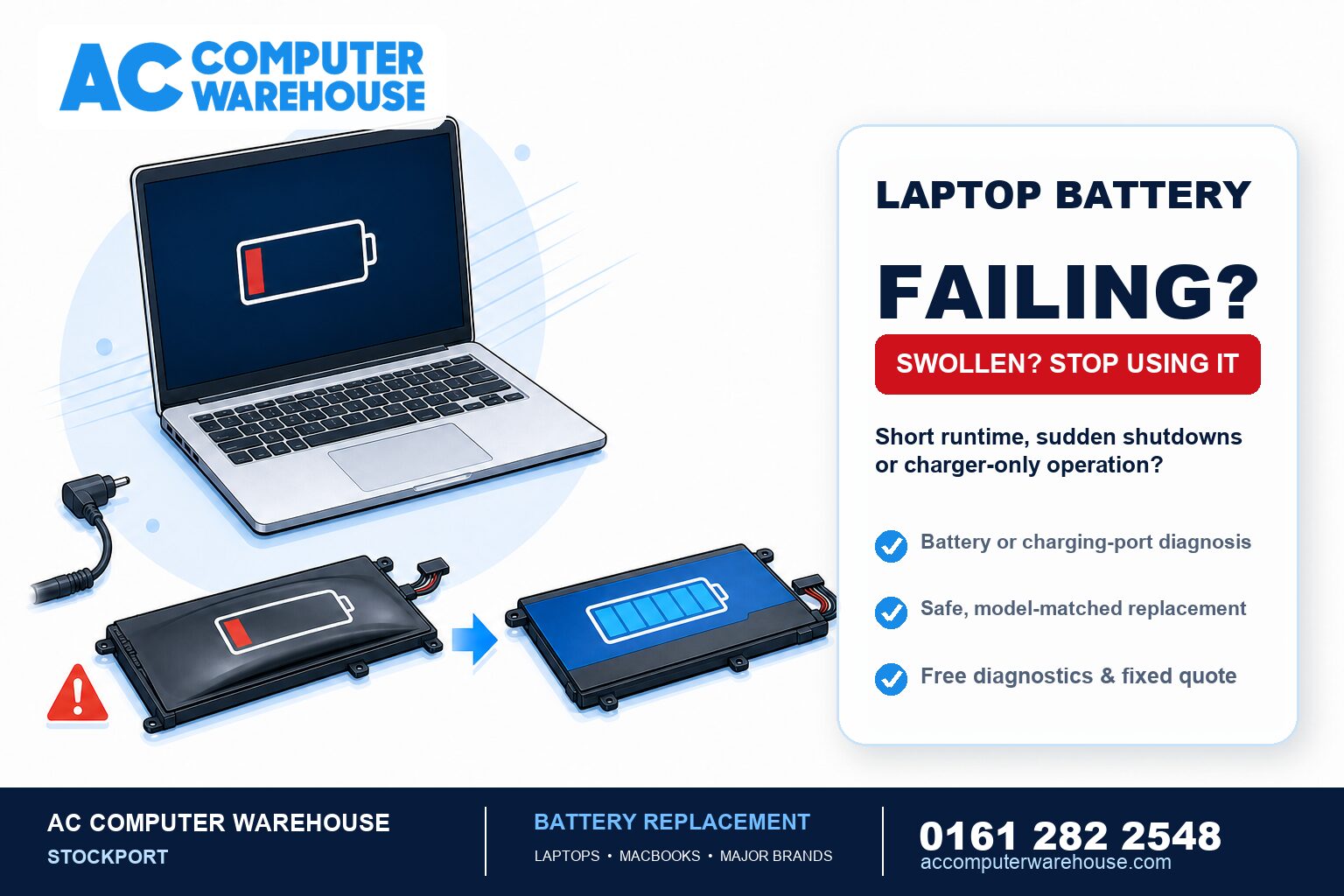
Laptop batteries are consumable parts. Every one of them wears out — it is not a fault developing, it is simply the battery reaching the end of its working life. The question is usually whether the battery is genuinely the problem, and whether a laptop battery replacement is worth it on your machine. Here is how to tell.
Signs your battery is on the way out
- It drains far quicker than it used to. A laptop that once ran for six hours and now manages one is showing normal wear, not a mysterious fault.
- It only works with the charger plugged in. Unplug it and the laptop dies instantly — the battery is no longer holding any meaningful charge.
- It shuts down without warning. Often at 30% or 40% remaining, because the reported percentage no longer reflects what the battery can actually deliver.
- It charges to a point and stops. Sticking at 60% or 80%, or jumping around unpredictably.
- Windows warns you. A “consider replacing your battery” notice is the laptop telling you outright.
The one you must not ignore: swelling
If the laptop has developed a bulge, the case no longer sits flat, the trackpad is lifting or stiff, or the keyboard feels raised in the middle, stop using it and bring it in. Those are signs of a swollen battery, and it is the one battery fault that is genuinely a safety issue rather than an inconvenience.
Don’t press on it, don’t puncture it, and don’t leave it charging unattended. A swollen battery can also crack the case or damage the trackpad and screen if it is left, so dealing with it early is cheaper as well as safer.
Is it the battery, or the charging port?
These get mistaken for one another regularly, and they are different repairs. A quick way to tell them apart:
- Runs fine on the charger, dies the moment you unplug it — that points at the battery.
- Won’t charge at all, charges only at a certain angle, or you have to wiggle the cable — that points at the charging port or the charger itself.
- No lights, no fans, nothing at all — that is a different problem again. See our guide on what to do when a laptop won’t turn on.
We repair charging ports as well as batteries, so if it turns out to be the port, that is fixable too — often saving an otherwise good laptop. Every job starts with free diagnostics, so we confirm which it actually is before you pay for anything.
Can you keep using a laptop with a dead battery?
If it is simply worn out — not swollen — then yes, you can carry on running it plugged in. Plenty of people do, particularly with a laptop that lives on a desk. It will not damage the machine.
What you lose is portability and protection: no working battery means the laptop is effectively a desktop, and a power cut or a knocked-out plug shuts it down instantly, taking any unsaved work with it. If the laptop is swollen, though, this is not a “carry on and see” situation — bring it in.
Is a battery replacement worth it?
On most laptops, yes. A battery is one of the cheaper repairs and it restores something you use every day, so if the rest of the machine is sound it is easily worth doing.
Where it needs more thought is when the battery is one of several problems — a slow, ageing laptop that also has a cracked screen and a dying battery is a bigger conversation. In that case we will give you an honest view rather than sell you three repairs. Our guide on whether your laptop is worth repairing covers how we weigh that up, and if the answer is no, a refurbished laptop is usually better value than a cheap new one.
If your laptop is slow as well as short on battery life, it is worth asking about an SSD upgrade at the same time — together they make an older machine feel genuinely usable again for far less than replacing it.
How to make a new battery last
A few habits genuinely help, without being precious about it:
- Avoid extreme heat. Heat is what ages a battery fastest — don’t leave a laptop in a hot car or working hard on a duvet with the vents covered.
- Don’t run it flat to 0% regularly. Occasional full discharges are fine; making a habit of it is not.
- Unplug occasionally if it lives on charge. A laptop permanently at 100% on a desk is not ideal — letting it cycle down and back up now and then is better.
- Use a proper charger. Cheap unbranded chargers deliver less stable power and are a common cause of charging problems.
Laptop battery replacement in Stockport
We have been repairing laptops in Stockport since 2007, for all the major brands — HP, Dell, Lenovo, Acer, ASUS and MSI, plus MacBooks. Every job starts with free diagnostics, so we confirm the battery really is the problem and give you a clear, fixed price before any work happens. Every repair is covered by our workshop warranty, and there is free parking right outside.
Not local? Our mail-in service covers the whole UK. Book a repair, see our laptop repair page, or call 0161 282 2548 and describe what your laptop is doing — we will tell you honestly whether it sounds like the battery.
Frequently asked questions
How long should a laptop battery last?
Most last somewhere between two and four years of regular use before the drop in runtime becomes noticeable. Batteries are consumable parts, so wearing out is normal rather than a fault — heavy use and heat both shorten that span.
My laptop only works when plugged in — is that the battery?
Usually, yes. If it runs perfectly on the charger but dies the instant you unplug it, the battery is no longer holding charge. If it will not charge at all, or only charges at a certain angle, that points at the charging port instead — a different repair, which we also do.
My laptop is bulging or the trackpad is lifting — what should I do?
Stop using it and bring it in. That is a swollen battery, and unlike ordinary wear it is a genuine safety issue. Don’t press on it or leave it charging unattended, and don’t put off dealing with it — left alone it can crack the case and damage the trackpad or screen.
Can I use my laptop without a battery?
If the battery is simply worn out, yes — you can run it plugged in indefinitely and it will not harm the laptop. You lose portability, and a power cut will shut it down instantly, taking unsaved work with it. If the battery is swollen, that is different: bring it in rather than carrying on.
Is it worth replacing a laptop battery?
On most laptops, yes — it is one of the cheaper repairs and restores something you use daily. It is worth more thought if the laptop has other faults too, and in that case we will give you an honest view of the whole picture rather than sell you repair after repair.
How much does a laptop battery replacement cost?
It depends on the make and model, as batteries are specific to each laptop. We identify the right part first, with free diagnostics, then give you a clear, fixed price before any work begins.